
The modern workplace demands agility, security, and seamless collaboration. Microsoft 365 offers a powerful suite of tools to achieve this, but migrating to the platform – whether from on-premises Exchange, Gmail, or another solution – requires careful planning and execution. Furthermore, maintaining a secure environment within Microsoft 365 is an ongoing process that requires vigilance and expertise. At Mycelium 365, we understand these challenges and provide comprehensive solutions to ensure a smooth transition and robust security posture.
Why is a seamless Microsoft 365 migration important?
A seamless Microsoft 365 migration is critically important because it directly impacts business continuity, data integrity, and overall user adoption, fundamentally transforming how an organisation operates. Poorly executed migrations can lead to significant data loss, extended periods of operational downtime impacting revenue, and widespread user frustration, potentially costing Australian businesses thousands in lost productivity or requiring expensive re-work—for example, rectifying lost emails or reconfiguring user profiles. Conversely, a well-planned and expertly managed migration to Microsoft 365 can unlock the full potential of a Modern Workplace, significantly boosting productivity, enhancing collaboration through integrated tools, and providing robust, advanced security features. Transitioning from on-premises Exchange to Exchange Online, for instance, not only eliminates the need for maintaining costly physical server infrastructure but also provides enhanced scalability and 99.9% uptime guarantees, ensuring reliable access to essential services for all employees.
Exchange to Exchange Online Migration
For many organisations, the first step towards a Modern Workplace involves migrating from on-premises Exchange servers to Exchange Online. This offers numerous benefits, including reduced infrastructure costs, improved scalability, and enhanced security features. However, the process can be complex, involving careful planning, data migration, and user training.
Key considerations for an Exchange to Exchange Online migration include:
- Assessment: Thoroughly assess your existing Exchange environment to identify potential issues and plan the migration strategy.
- Hybrid Deployment: Consider a hybrid deployment to migrate mailboxes gradually and minimise disruption.
- Data Migration: Choose the appropriate migration method based on your organisation's size and requirements.
- User Training: Provide adequate training to users on how to use Exchange Online and its features.
We specialise in providing [seamless cloud migration to Microsoft 365](slug: seamless-cloud-migration-microsoft-365). Our team of experts can guide you through every step of the process, ensuring a smooth and successful transition.
Gmail to Microsoft 365 Migration
Migrating from Gmail to Microsoft 365 offers a range of benefits, including tighter integration with other Microsoft services, enhanced security features, and improved compliance capabilities. However, the migration process can be challenging, especially for organisations with a large number of users and complex configurations.

Essential steps for a Gmail to Microsoft 365 migration include:
- Planning: Develop a detailed migration plan that outlines the scope, timeline, and resources required.
- Preparation: Prepare your Microsoft 365 environment by creating user accounts and configuring DNS settings.
- Data Migration: Use a reliable migration tool to transfer emails, contacts, and calendar data from Gmail to Microsoft 365.
- Post-Migration: Verify the data migration and provide support to users during the transition.
Mycelium 365 offers expert assistance with [Migrating to Microsoft 365: A Comprehensive Guide](slug: migrating-to-microsoft-365-exchange-online). We leverage industry-leading tools and best practices to ensure a seamless and efficient migration process.
How can I secure my modern workplace with Microsoft 365?
Securing your modern workplace with Microsoft 365 requires a comprehensive approach that extends beyond its inherent features, demanding correct configuration and supplemental solutions to protect data and users effectively. A crucial initial step is undergoing a thorough Microsoft 365 security assessment to pinpoint vulnerabilities across user accounts, data storage, and network infrastructure. This assessment should pinpoint key areas where enhancements are needed, such as implementing multi-factor authentication (MFA) and enforcing robust password policies for identity and access management. For example, some Australian businesses have reduced successful phishing attacks by up to 90% after implementing stricter email security protocols and MFA. Furthermore, configuring Data Loss Prevention (DLP) policies to prevent sensitive information from leaving the organisation and activating Microsoft Defender for Office 365 are vital steps to combat phishing attacks and malware, ensuring your digital assets remain protected.
Microsoft 365 Security Assessment
A Microsoft 365 security assessment is a critical first step in identifying vulnerabilities and implementing appropriate security controls. This assessment should cover all aspects of your Microsoft 365 environment, including user accounts, data storage, and network security.

Key areas to focus on during a security assessment include:
- Identity and Access Management: Implement multi-factor authentication (MFA) and enforce strong password policies.
- Data Loss Prevention (DLP): Configure DLP policies to prevent sensitive data from leaving your organisation.
- Threat Protection: Enable Microsoft Defender for Office 365 to protect against phishing attacks and malware.
- Information Governance: Implement retention policies and data classification to manage your data effectively.
We can help you conduct a thorough Microsoft 365 security assessment and develop a comprehensive security plan tailored to your specific needs. Our team of cybersecurity experts can provide ongoing monitoring and support to ensure your environment remains secure.
Leveraging Microsoft Defender for Enhanced Security
Microsoft Defender is a powerful suite of security tools that can help you protect your [Modern Workplace](slug: optimising-modern-workplace-microsoft-365) from a wide range of threats. It includes features such as endpoint detection and response (EDR), threat intelligence, and automated investigation and remediation.
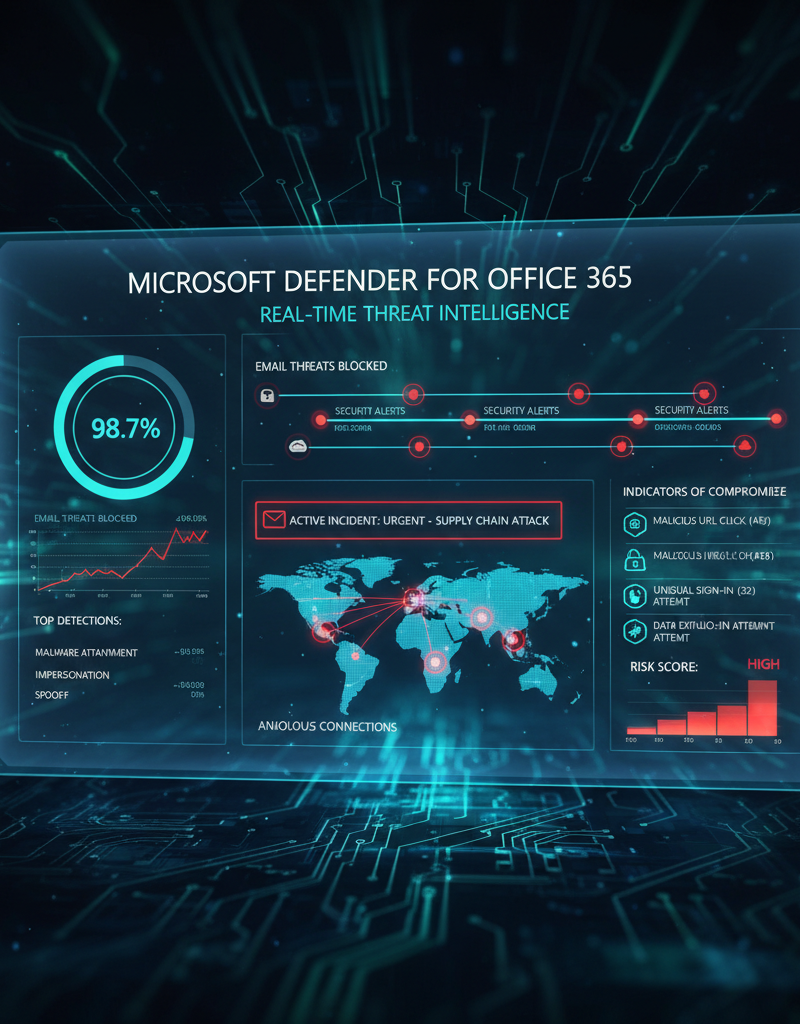
By leveraging Microsoft Defender, you can:
- Detect and respond to threats quickly: Identify and neutralise threats before they can cause significant damage.
- Improve your security posture: Proactively identify and address vulnerabilities in your environment.
- Automate security tasks: Reduce the workload on your IT team by automating routine security tasks.
Mycelium 365 specialises in [Modern Workplace Security: Intune & Defender](slug: secure-modern-workplace-microsoft-defender-intune). We can help you configure and manage Microsoft Defender to maximise its effectiveness and protect your organisation from cyber threats. We also offer [Fortify Your Business with Managed IT Services](slug: managed-it-services-microsoft-defender-it-support).
How can Mycelium 365 help with Microsoft 365 success?
Mycelium 365 facilitates Microsoft 365 success by delivering comprehensive managed IT services and expert support, simplifying the often-complex processes of migration and ongoing security. They offer strategic guidance, from initial deployment to continuous optimisation, enabling businesses across Australia—including major centres like Sydney and Brisbane—to unlock Microsoft 365's full potential. This encompasses essential services such as proficient management of Azure cloud resources, implementation of robust cybersecurity measures utilising Microsoft Defender, and efficient device administration via Intune. For instance, Mycelium 365 can reduce migration downtime by up to 40% compared to self-managed transitions. By partnering with Mycelium 365, organisations can effectively transform their digital workplace, ensuring a secure and productive environment, backed by responsive IT helpdesk assistance that aims to resolve critical issues within a few business hours. This commitment ensures businesses remain agile and competitive in the modern technology landscape.
We offer a range of services, including:
- Microsoft 365 management
- Azure cloud services
- Cybersecurity with Microsoft Defender
- Intune device management
- SharePoint and Exchange Online support
- IT helpdesk support ([Optimise IT with Microsoft 365 & Expert Support](slug: microsoft-365-helpdesk-it-support-sydney))
- Cloud migrations ([Boost Efficiency with Managed IT & Cloud Migration](slug: managed-it-services-cloud-migration-guide))
Contact us today to learn more about how we can help you transform your business with Microsoft 365. We can assist with [Secure & Scale: Managed IT Services for Modern Businesses](slug: managed-it-services-azure-backup-virtual-desktop) and [Microsoft 365 & Azure: Scaling Your Business in 2024](slug: microsoft-365-azure-cloud-migration-guide).

By partnering with Mycelium 365, you can rest assured that your Microsoft 365 environment is in expert hands. We are committed to providing you with the highest level of service and support, helping you achieve your business goals and stay ahead of the curve in today's rapidly evolving technology landscape. We ensure [Robust IT Infrastructure: Cloud & Disaster Recovery](slug: disaster-recovery-cloud-migration-network-management) for your business.