Microsoft 365 offers a powerful suite of tools designed to boost productivity, enhance collaboration, and improve security for businesses of all sizes. For small businesses in Australia, leveraging Microsoft 365 can be a game-changer. But navigating the complexities of implementation, management, and security can be daunting. That's where IT managed services Microsoft come into play. This guide will walk you through everything you need to know about using Microsoft 365 for small business, including the benefits, implementation strategies, security considerations, and how a Microsoft cloud service provider Australia can help.
Why choose Microsoft 365 for your small business?
Microsoft 365 is an excellent choice for small businesses due to its comprehensive suite of features that enhance productivity, bolster security, and offer significant cost savings. It provides access to essential applications like Word, Excel, and Outlook, enabling employees to work efficiently from any location and on any device while also facilitating seamless collaboration through tools like Microsoft Teams and SharePoint. This integrated platform means teams can co-author documents and conduct virtual meetings with ease. Furthermore, Microsoft 365 incorporates robust security measures, including multi-factor authentication and data loss prevention, which are crucial for protecting sensitive business information in today's digital landscape. For example, implementing Microsoft 365 can reduce a small business's software licensing costs by up to 25-30% annually compared to purchasing individual software licenses and managing on-premise solutions. Its inherent scalability also ensures that the platform can easily adapt to the evolving needs of a growing business in Australia, supporting up to 300 users for Business Standard subscriptions.
- Enhanced Productivity: Access powerful applications like Word, Excel, PowerPoint, and Outlook from anywhere, on any device. This enables your team to work collaboratively and efficiently, regardless of location. Learn more about the apps and services available on Microsoft 365 plans for small businesses.
- Improved Collaboration: Features like Microsoft Teams and SharePoint Online facilitate seamless communication and collaboration. Share files, co-author documents, and conduct virtual meetings with ease. You can also streamline your processes and make the most of your investments with SharePoint & Azure: Streamline Your Cloud Migration.
- Robust Security: Microsoft 365 incorporates advanced security features to protect your data from cyber threats. This includes features like multi-factor authentication, data loss prevention, and threat intelligence. You can also fortify your business with Fortify Your Business with Managed IT Services.
- Cost-Effectiveness: By consolidating your IT infrastructure into a single platform, Microsoft 365 can reduce costs associated with hardware, software licenses, and IT support. Consider also the benefits of Boost Efficiency with Managed IT & Cloud Migration.
- Scalability: Microsoft 365 can easily scale with your business as it grows, allowing you to add or remove users and services as needed. This flexibility ensures that your IT infrastructure can adapt to changing business requirements. Scaling your business is possible with Microsoft 365 & Azure: Scaling Your Business in 2024.
How do you replace Google Workspace with Microsoft 365?
Replacing Google Workspace with Microsoft 365 typically involves a strategic migration to leverage Microsoft's comprehensive and integrated suite of business tools, offering a more seamless user experience and advanced functionalities. Many Australian businesses make this switch to benefit from Microsoft 365's tighter application integration, superior security features, and the widespread familiarity of its applications among users. For instance, Microsoft 365 provides robust threat protection, data loss prevention, and compliance tools that often exceed the baseline security offerings of Google Workspace, crucial for protecting sensitive business data. This migration often enhances a small business's operational efficiency and cybersecurity posture, allowing for capabilities like embedding Excel charts directly into PowerPoint or utilising Power BI for deeper data analytics. While the process can appear complex, engaging a specialist Microsoft cloud service provider in Australia, like Mycelium 365, can ensure a seamless transition with minimal disruption, effectively moving data, users, and services from one ecosystem to the other over an estimated few weeks.
- Integration: Microsoft 365 offers tighter integration between its applications, providing a more seamless user experience. For example, you can easily embed Excel charts into PowerPoint presentations or share files directly from Outlook.
- Security: While Google Workspace offers basic security features, Microsoft 365 provides more advanced security options, including threat protection, data loss prevention, and compliance tools. Consider the protection offered in Modern Workplace Security: Intune & Defender.
- Familiarity: Many users are already familiar with Microsoft Office applications, making the transition to Microsoft 365 easier.
- Advanced Features: Microsoft 365 offers a wider range of advanced features, such as Power BI for data analytics and SharePoint Online for document management.
Migrating from Google Workspace to Microsoft 365 can seem complex, but with careful planning and the right tools, it can be a smooth process. A Microsoft cloud service provider Australia like Mycelium 365 can assist with the migration, ensuring minimal disruption to your business operations. For a detailed guide, read Migrating to Microsoft 365: A Comprehensive Guide.
What are the key Microsoft 365 applications for small businesses?
- Microsoft Teams: A central hub for communication and collaboration, Teams enables you to chat, conduct video meetings, share files, and collaborate on documents in real-time. Microsoft Teams documentation.
- SharePoint Online: A cloud-based document management and collaboration platform that allows you to store, organize, and share files securely. SharePoint Online documentation.
- OneDrive: A cloud storage service that allows you to store and access your files from anywhere, on any device. OneDrive documentation.
- Outlook: An email and calendar application that helps you stay organised and connected. Outlook documentation.
- Word, Excel, PowerPoint: The core Office applications for creating documents, spreadsheets, and presentations. Microsoft Office documentation.
- Microsoft Defender for Business: An endpoint security solution specifically designed for small and medium-sized businesses, providing protection against malware, ransomware, and other cyber threats. You can also read about Intune, Cybersecurity & Managed IT: A Modern Approach.
How can you secure your Microsoft 365 environment?
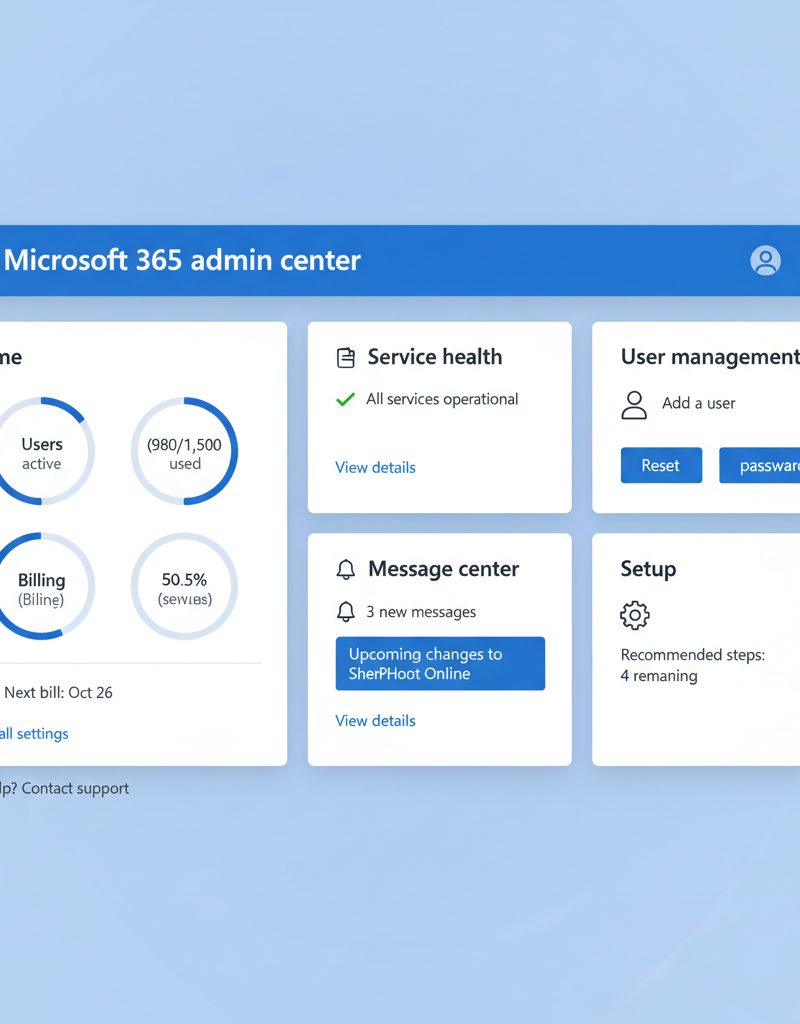
Securing your Microsoft 365 environment requires a proactive and multi-faceted strategy that leverages its built-in features and upholds a vigilant security posture. Australian small businesses can greatly enhance their defences by enforcing Multi-Factor Authentication (MFA) for all users, a measure proven to block over 99.9% of automated credential attacks, significantly reducing unauthorised access. Implementing Data Loss Prevention (DLP) policies is also crucial to meticulously safeguard sensitive information and prevent its unauthorised departure from the organisation. Furthermore, enabling Microsoft Defender for Business provides robust threat protection against malware, ransomware, and other cyber-attacks across devices, which should be complemented by routine security audits. Finally, comprehensive employee training on cybersecurity best practices, including recognising phishing emails and safe browsing habits, is paramount, as human error remains a leading cause of security incidents, contributing to an estimated 80% of data breaches.
- Multi-Factor Authentication (MFA): Enforce MFA for all users to prevent unauthorized access to your accounts. Learn more about MFA.
- Data Loss Prevention (DLP): Implement DLP policies to prevent sensitive data from leaving your organization. Learn more about DLP.
- Threat Protection: Enable Microsoft Defender for Business to protect your devices from malware and other cyber threats. Microsoft Defender documentation.
- Regular Security Audits: Conduct regular security audits to identify and address vulnerabilities in your environment. You can also secure your business with Secure & Scale: Managed IT Services & Azure.
- Employee Training: Educate your employees about cybersecurity best practices to prevent phishing attacks and other social engineering tactics. Australian Cyber Security Centre (ACSC) resources.
What is network management for Microsoft 365?
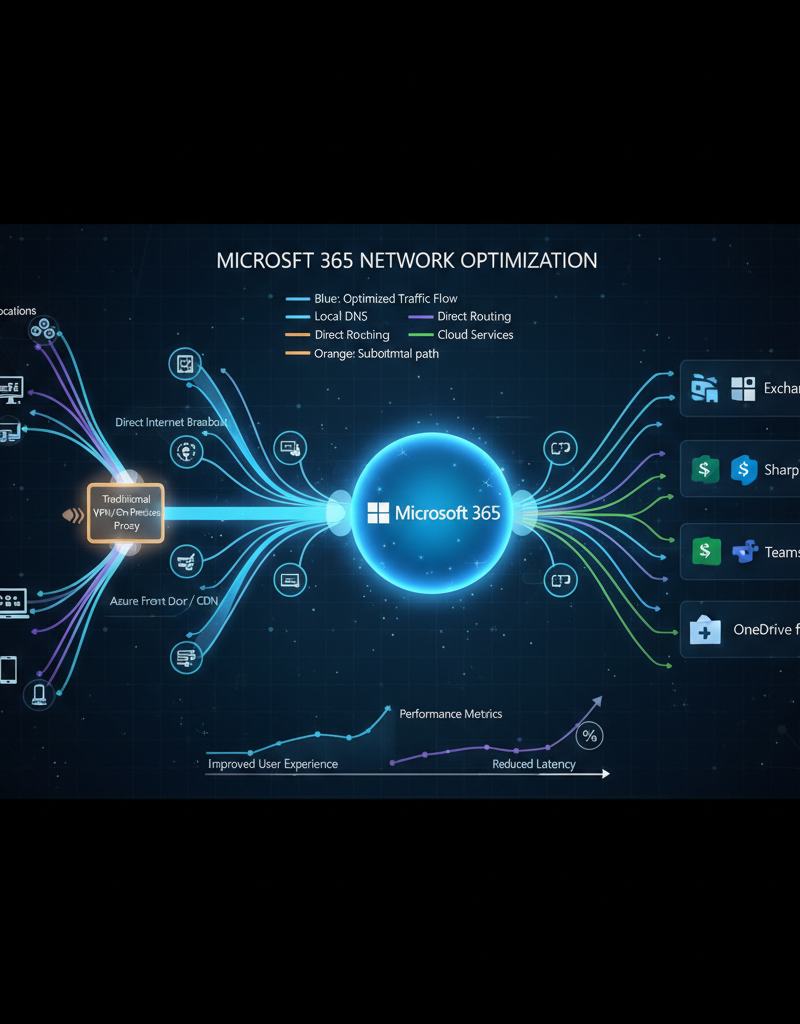
Network management for Microsoft 365 involves strategically optimising an organisation's network infrastructure to guarantee reliable and efficient access to all Microsoft 365 services. This critical process encompasses a range of strategies from initial network assessment and meticulous configuration to continuous monitoring, all aimed at maximising performance and user satisfaction. For example, an Australian small business heavily reliant on Microsoft Teams for daily video conferences with clients would implement robust bandwidth management and Quality of Service (QoS) policies to prioritise Teams traffic, ensuring seamless communication free from lag or dropped calls, particularly during peak business hours. Effective network management is pivotal in preventing common issues like bottlenecks, significantly reducing latency, and thereby enhancing the overall user experience across applications such as Outlook, OneDrive, and SharePoint. This proactive approach ensures smooth operation for essential business functions and maintains consistent connectivity for up to 99.9% of the workday.
- Network Assessment: Conduct a thorough assessment of your network infrastructure to identify potential issues and bottlenecks. You can ensure Robust IT Infrastructure: Cloud & Disaster Recovery.
- Bandwidth Management: Ensure that you have sufficient bandwidth to support your Microsoft 365 usage, especially for bandwidth-intensive applications like Teams video conferencing. Microsoft 365 network connectivity principles.
- Quality of Service (QoS): Implement QoS policies to prioritise Microsoft 365 traffic and ensure that it receives the necessary bandwidth and resources. QoS in Microsoft Teams.
- Monitoring and Management Tools: Use network monitoring and management tools to track network performance, identify issues, and proactively resolve them.
How can a Microsoft cloud service provider help for Australian businesses?
A Microsoft cloud service provider in Australia offers crucial support to businesses by simplifying the often complex implementation and ongoing management of Microsoft 365, particularly for those without dedicated internal IT staff. These providers, like Mycelium 365, deliver comprehensive services such as seamless migration of existing data and systems, ongoing managed IT support, and robust cyber security management, safeguarding sensitive business information. For instance, they can configure advanced threat protection within Microsoft 365 and implement multi-factor authentication across all accounts, thereby significantly reducing the risk of data breaches for Australian SMEs, potentially decreasing security incidents by 90% as seen in businesses adopting these measures. They also provide essential user training to ensure employees can effectively utilise Microsoft 365's features, and integrate it with other Azure cloud services, ensuring businesses maximise their investment and maintain operational efficiency across all platforms. This holistic approach frees businesses to focus on their core operations rather than IT complexities.
- Implementation and Migration: Assisting with the initial setup and migration of your data to Microsoft 365. Consider Seamless Cloud Migration to Microsoft 365.
- Managed IT Support: Providing ongoing support and maintenance for your Microsoft 365 environment. Optimise IT with Optimise IT with Microsoft 365 & Expert Support.
- Security Management: Implementing and managing security policies and tools to protect your data from cyber threats. You can also read about M365: Your Business Continuity Lifeline.
- Training and Support: Providing training and support to your employees to ensure that they can effectively use Microsoft 365.
- Azure Integration: Many businesses require integration of Microsoft 365 with Azure cloud services for more advanced capabilities. A Microsoft cloud service provider can assist with these integrations. You can also read about Azure Backup & Helpdesk: Disaster Recovery for M365.
By partnering with Mycelium 365, you can focus on running your business while we take care of your IT needs. We offer comprehensive IT managed services Microsoft tailored to small businesses in Melbourne, Sydney, Perth, Brisbane, and internationally. Contact us today to learn more about how we can help you leverage Microsoft 365 to drive growth and success.