
In today's rapidly evolving digital landscape, business continuity is no longer a luxury – it's a necessity. Downtime, whether caused by cyberattacks, natural disasters, or simple human error, can cripple operations, damage reputation, and significantly impact the bottom line. At Mycelium 365, we understand the critical importance of ensuring your business remains operational, no matter what challenges arise. That's why we offer comprehensive solutions leveraging the power of Azure, Intune, and dedicated Helpdesk Support to build a robust business continuity plan tailored to your specific needs.
How does Azure create resilient infrastructure for businesses?
Microsoft Azure creates resilient infrastructure for businesses by providing a flexible and scalable platform that significantly reduces the risk of data loss and ensures continuous business operations. Australian organisations can migrate critical workloads and data to the cloud, allowing them to maintain functionality even during local disasters like power outages or hardware failures. For example, Azure offers robust services such as Azure Backup, which protects critical data with secure, cost-effective solutions, and Azure Site Recovery, enabling the replication of virtual machines and physical servers for fast and reliable disaster recovery. This allows businesses to achieve rapid failover capabilities, often restoring operations within mere hours rather than days, as demonstrated by many small to medium enterprises experiencing less than four hours of downtime during a critical system failure. This comprehensive, cloud-based approach provides the necessary redundancy, scalability, and security to protect essential business functions and ensure resilience.
- Azure Backup: Protecting your critical data is paramount. Azure Backup provides a secure and cost-effective solution for backing up on-premises and cloud-based workloads. Learn more about disaster recovery in Microsoft 365: Disaster Recovery Essentials and Azure Backup & Helpdesk: Disaster Recovery for M365.
- Azure Site Recovery: Replicate virtual machines and physical servers to Azure for fast and reliable disaster recovery. This allows you to quickly failover to Azure in the event of an outage, minimizing downtime and data loss. You can also read about Secure Your Business with Azure Backup & Modern Workplace.
- Azure Virtual Machines: Run your applications and workloads in the cloud, providing a highly available and scalable environment. This ensures your business can continue to operate even if your on-premises infrastructure is unavailable. Learn about Modernise Your Workplace with Azure & Virtual Desktops.
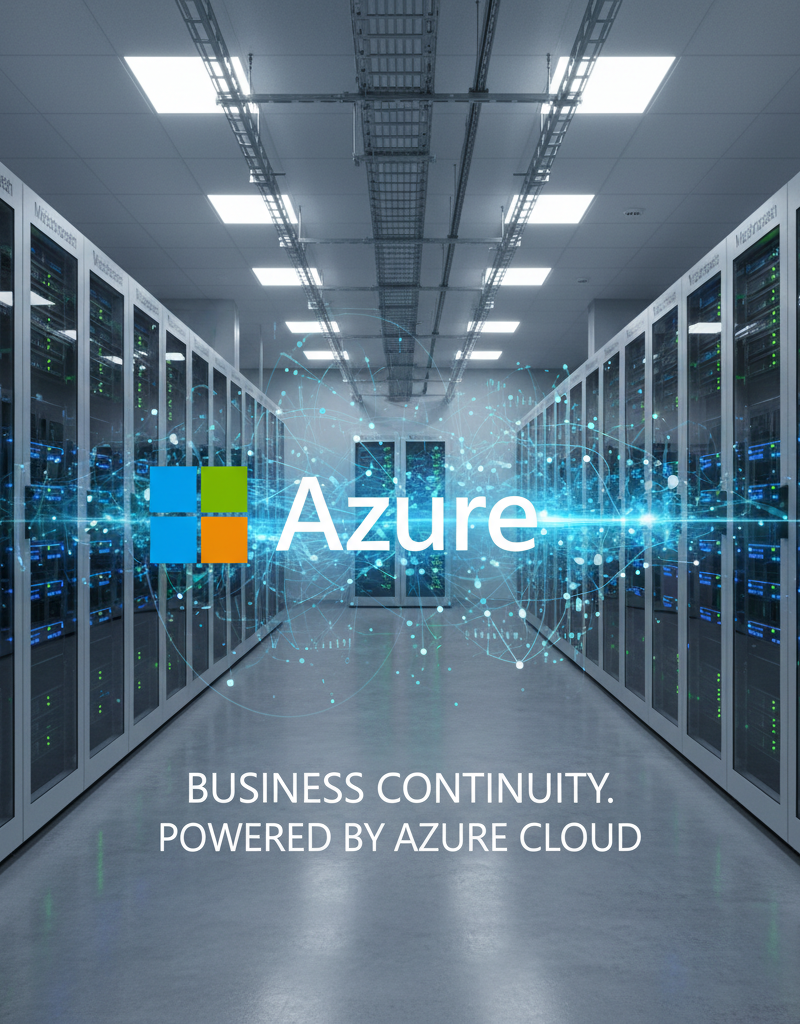
Using Azure as the backbone of your business continuity strategy provides the scalability, redundancy, and security needed to weather any storm. We can help you with SharePoint & Azure: Streamline Your Cloud Migration.
How does Intune help manage devices and ensure secure access?
Microsoft Intune significantly enhances business continuity by providing robust mobile device management (MDM) and mobile application management (MAM) capabilities, which are essential for securing a distributed workforce in Australia. Intune facilitates the secure management of devices and access through features like streamlined device enrollment and configuration, ensuring all endpoints, from laptops to smartphones, consistently meet organisational security standards, such as enforcing multi-factor authentication (MFA) and mandating data encryption. For instance, a medium-sized company could deploy specific applications and security policies to over 300 employee devices simultaneously across different cities within minutes. Furthermore, its conditional access policies ensure that only compliant and authorised devices can access sensitive corporate resources, effectively mitigating risks. In the event of a lost or stolen device, Intune’s remote wipe or lock functionalities are crucial for preventing unauthorised data access, reinforcing data protection in dynamic work environments.
- Device Enrollment and Configuration: Intune allows you to easily enroll and configure devices, ensuring they meet your security standards. This includes setting password policies, encrypting data, and deploying applications.
- Conditional Access: Enforce access controls based on device health, location, and user identity. This ensures that only authorized users and devices can access sensitive data, even in the event of a security breach.
- Remote Wipe and Lock: In the event of a lost or stolen device, Intune allows you to remotely wipe or lock the device, preventing unauthorized access to corporate data. Learn more about Intune, Cybersecurity & Managed IT: A Modern Approach.
With Intune, you can confidently manage your mobile workforce and ensure that your data remains secure, even in the face of unexpected disruptions. Explore Modern Workplace Security: Intune & Defender.
How does helpdesk support act as a first line of defence for businesses?
Helpdesk support acts as a crucial first line of defence for Australian businesses by offering rapid response and resolution to technical issues, even when robust technology is already in place. This specialised support minimises disruption to operations and helps maintain productivity by addressing problems proactively and reactively. For instance, a dedicated helpdesk team, like those found in managed IT services, can resolve up to 80% of common IT issues remotely within the first hour of contact, according to recent Australian industry benchmarks, significantly reducing employee downtime. Their 24/7 availability ensures that, should an unexpected problem arise—whether it's a software glitch in Melbourne or a network issue in Perth—employees can quickly access assistance from experienced IT professionals, ensuring business continuity and smooth daily operations while preventing minor issues from escalating into major disruptions.
- 24/7 Availability: Our Helpdesk Support team is available around the clock to assist your employees with any technical issues they may encounter, regardless of their location or time zone. We support Melbourne, Sydney, Perth, Brisbane, and international offices.
- Rapid Response and Resolution: We understand the importance of minimizing downtime. Our Helpdesk Support team is trained to quickly diagnose and resolve technical issues, ensuring your employees can get back to work as soon as possible.
- Proactive Monitoring and Maintenance: We proactively monitor your IT infrastructure for potential issues and perform regular maintenance to prevent problems before they occur. We can help you Optimise IT with Microsoft 365 & Expert Support.
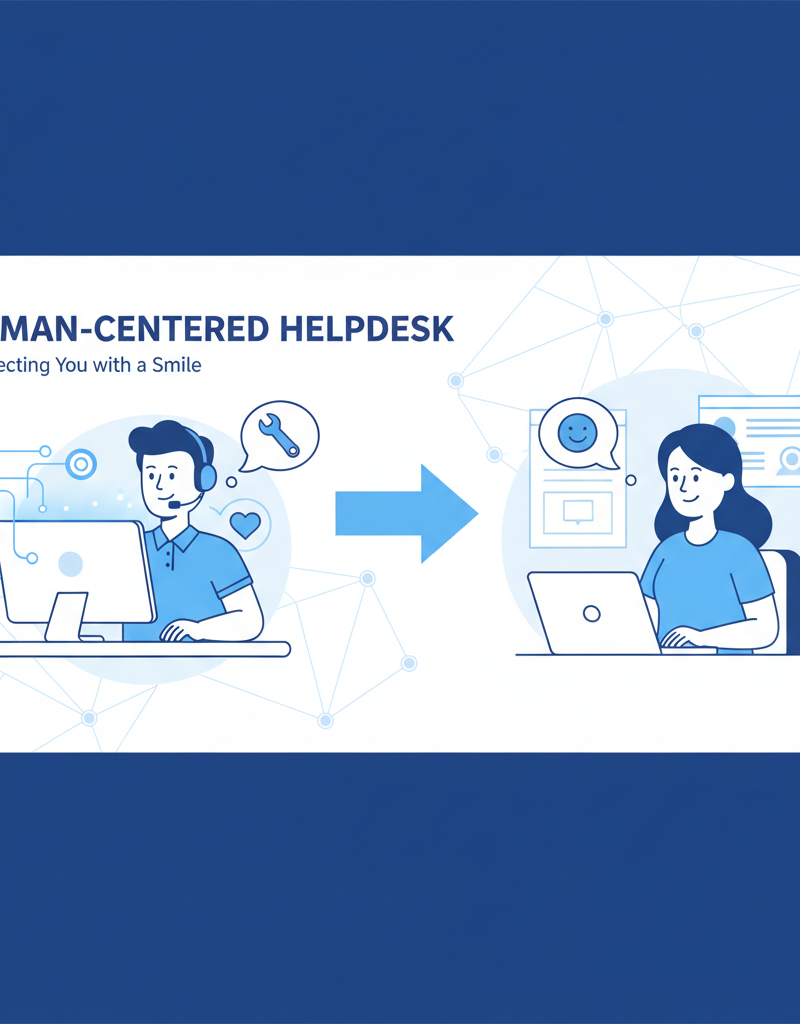
Our Helpdesk Support team acts as your first line of defense, providing the expertise and support needed to keep your business running smoothly. Read more about Azure Backup & Helpdesk: Disaster Recovery for M365 and M365: Your Business Continuity Lifeline.
How do you build a comprehensive business continuity plan?
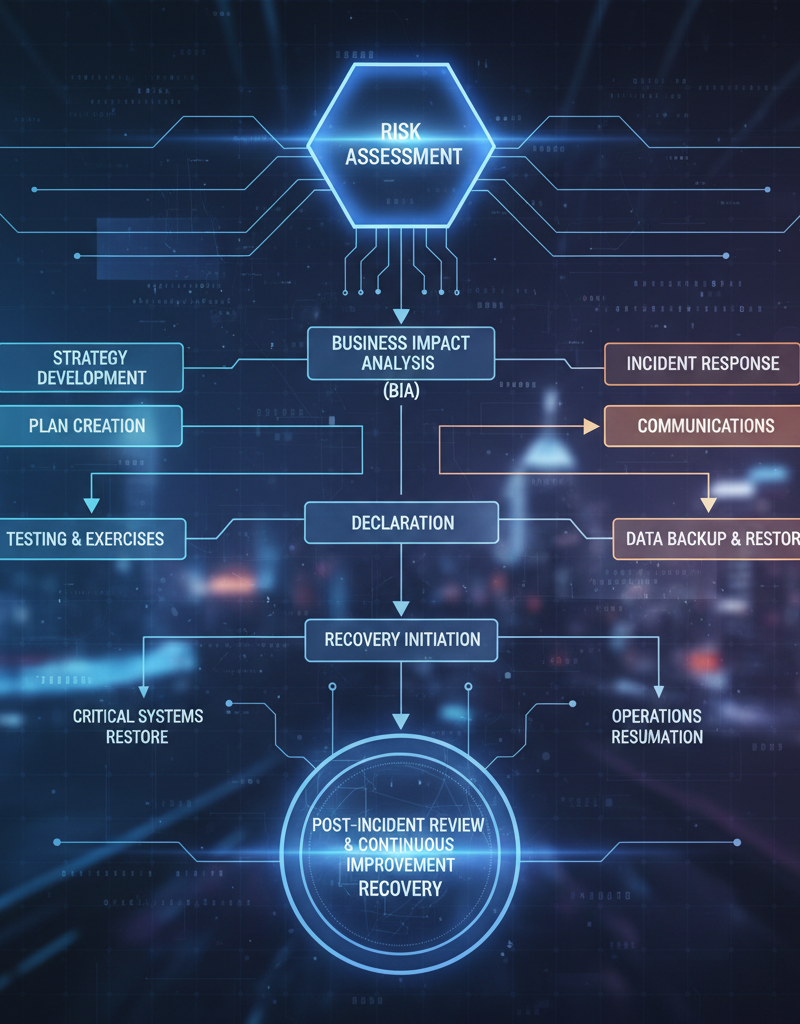
To build a comprehensive business continuity plan, organisations must strategically prevent, mitigate, and recover from potential disruptions, such as cyberattacks, natural disasters, or equipment failures. This involves a multi-faceted approach, beginning with a thorough risk assessment to identify vulnerabilities, followed by a business impact analysis to understand the potential consequences of each threat on operations. Developing robust recovery strategies, like immutable data backups and detailed disaster recovery protocols specific to business-critical systems, is essential. For instance, an effective plan mandates regular, at least semi-annual, testing to simulate real-world scenarios, ensuring the recoverability time objective (RTO) for critical systems like Microsoft Exchange or CRM is met within a defined timeframe, often less than four hours. Employee training is also paramount, ensuring all staff can execute their roles efficiently during a crisis, thereby safeguarding business operations and ensuring continuous service delivery.
- Risk Assessment: Identify potential threats to your business, such as cyberattacks, natural disasters, and equipment failures.
- Business Impact Analysis: Determine the impact of each threat on your business operations.
- Recovery Strategies: Develop strategies for recovering from each threat, including data backup and recovery, disaster recovery, and business resumption.
- Testing and Training: Regularly test your business continuity plan and provide training to your employees to ensure they are prepared to respond to any disruption. The Australian Cyber Security Centre (ACSC) provides valuable resources for risk assessment and mitigation.
Mycelium 365 can assist you in developing and implementing a comprehensive business continuity plan that meets your specific needs and protects your business from potential disruptions. We can also help with Seamless Cloud Migration to Microsoft 365.
How can Mycelium 365 partner with businesses for continuity?
Mycelium 365 partners with businesses for continuity by strategically leveraging Microsoft Azure, Intune, and dedicated Helpdesk Support to ensure operational resilience and minimise disruptions effectively. Our comprehensive suite of Managed IT Services, delivered across major Australian cities including Melbourne, Sydney, Perth, and Brisbane, is designed to build and maintain a secure and robust IT infrastructure. For instance, by integrating Azure's advanced geo-redundant storage and failover capabilities, Mycelium 365 can help businesses achieve a Recovery Time Objective (RTO) of typically less than one hour for critical data, significantly improving resilience against unforeseen incidents. This proactive approach ensures that, regardless of challenges such as cyber threats, hardware failures, or natural disasters, your business operations can continue seamlessly, aligning with industry best practices for disaster recovery and maintaining system uptime consistently.
For further reading on Microsoft's commitment to resilience, see the Microsoft Trust Center.