
In today's dynamic business environment, empowering your workforce with the right tools is crucial for success. Microsoft 365 offers a powerful suite of applications, and when combined with the flexibility of a Virtual Desktop infrastructure (VDI) and robust management through Intune, the possibilities are virtually limitless. Add the collaborative power of SharePoint, and you have a truly modern workplace. Mycelium 365 specialises in delivering these solutions to businesses across Australia, from Melbourne to Perth.
What is the power of virtual desktops?
Virtual desktops offer a powerful solution by providing a complete desktop experience that users can access remotely, enabling employees to securely utilise their applications, data, and personalised settings from any location and on any device with an internet connection. This flexibility is particularly beneficial for Australian businesses, accommodating remote workforces, distributed teams, or those implementing a Bring Your Own Device (BYOD) policy, thereby significantly enhancing business continuity. For example, if a user's laptop fails, they can instantly switch to another device and continue working without data loss, minimising downtime. Moreover, this centralised approach strengthens cyber security by keeping sensitive information within a secure data centre rather than on individual devices, reducing the risk of data compromise, which is crucial given the rising cost of data breaches. This capability integrates seamlessly with platforms like Microsoft 365, streamlining management and boosting collaborative efficiency.

Furthermore, Virtual Desktops enhance security by centralising data and applications within a secure data centre. This reduces the risk of data loss or theft associated with storing sensitive information on individual devices. Microsoft offers Azure Virtual Desktop, a comprehensive VDI solution that integrates seamlessly with Microsoft 365. You can learn more about Azure Virtual Desktop on the Microsoft Learn documentation.
We can help you modernise your workplace with Azure & Virtual Desktops.
How does Microsoft 365 act as the foundation of modern productivity?
Microsoft 365 is the foundational platform for contemporary productivity in businesses of all sizes, offering a comprehensive suite of cloud-based applications designed to streamline communication, collaboration, and content creation. This integrated system features essential tools such as Word, Excel, PowerPoint, Outlook, and Teams, providing a unified environment for daily operational tasks. For instance, its seamless integration allows teams to co-author documents instantaneously and conduct virtual meetings efficiently, which can significantly boost overall output by up to 25% for collaborative projects. Furthermore, Microsoft 365 benefits from continuous feature enhancements and robust security updates, ensuring Australian organisations, from small startups to larger enterprises, consistently leverage cutting-edge technology and strong cyber security measures. This steadfast commitment to innovation and protection fosters an agile, secure, and highly productive working environment for its users.
For businesses looking to scale, Microsoft 365 & Azure: Scaling Your Business in 2024 offers a powerful combination.
What is Intune used for in secure device management?
Intune is primarily used in secure device management as Microsoft's cloud-based mobile device management (MDM) and mobile application management (MAM) solution. It empowers businesses to effectively manage and secure all employee devices, whether they are company-owned or personal "bring your own device" (BYOD) endpoints. Through Intune, organisations can enforce robust security policies, deploy essential applications efficiently, and remotely wipe devices if they are lost or stolen, which is crucial for safeguarding sensitive data in our increasingly mobile-first world. For example, an Australian healthcare provider could use Intune to ensure all staff tablets comply with HIPAA regulations by encrypting data and restricting app installations, preventing unauthorised data access. Its seamless integration with Azure Active Directory (now Entra ID) further streamlines identity and access management, offering a comprehensive and centralised approach to endpoint security.
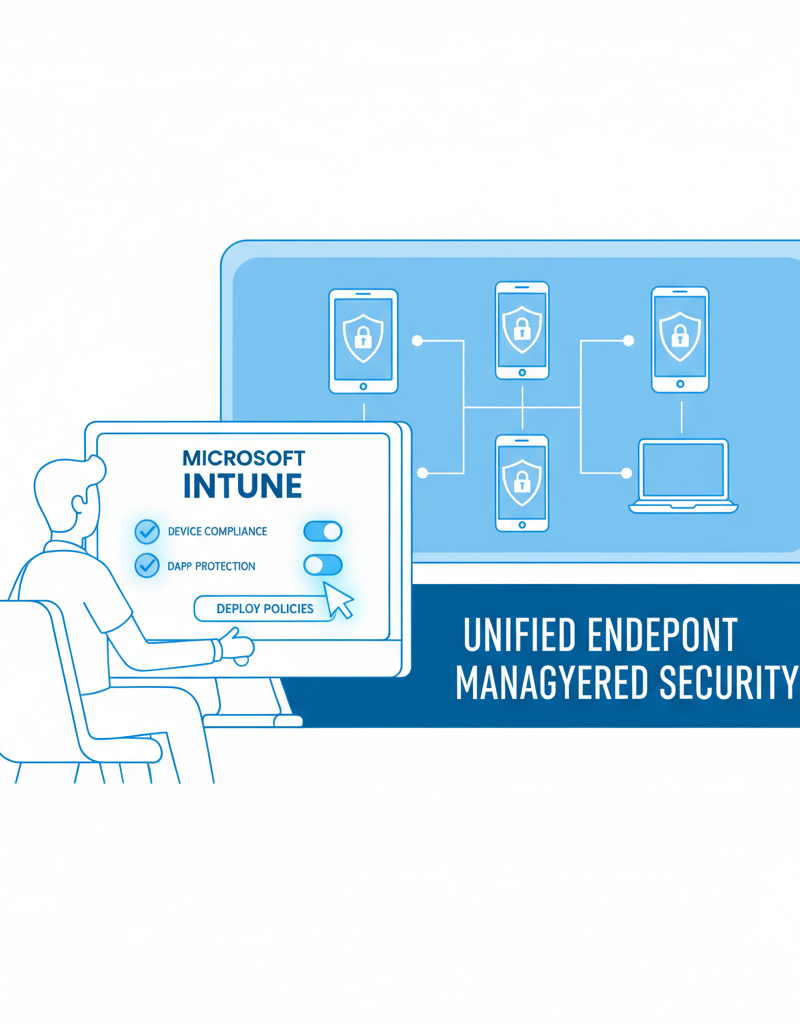
Intune's integration with Azure Active Directory (now Entra ID) provides a centralised identity and access management solution, simplifying user authentication and authorisation. Learn more about Microsoft Intune at Microsoft Intune Documentation.
How does SharePoint facilitate collaboration and document management?
SharePoint significantly facilitates collaboration and document management by providing a centralised platform for secure document storage, seamless sharing, and robust version control. It empowers teams to work together more effectively through intuitive tools that allow the creation of team sites, the building of custom workflows, and the design of user-friendly forms, all accessible from a single, integrated location. For instance, Australian businesses can streamline their entire document lifecycle, from initial creation and collaborative editing to final archiving, thereby improving operational efficiency and potentially reducing the time employees spend searching for critical files by up to 25%. This comprehensive approach not only enhances overall team productivity but also simplifies the complex process of managing digital assets across an organisation, making SharePoint an indispensable cornerstone for modern, efficient business operations, especially when integrating with Microsoft 365.
SharePoint's integration with Microsoft Teams further enhances collaboration, allowing users to access and share documents directly within their Teams channels. This streamlines workflows and reduces the need to switch between applications. For businesses undergoing a SharePoint & Azure: Streamline Your Cloud Migration, Mycelium 365 can offer expert guidance.
How can Mycelium 365 be your partner for modern workplace solutions?
Mycelium 365 partners with businesses to deliver modern workplace solutions by offering a comprehensive suite of managed IT services designed to leverage the full power of Microsoft 365, Virtual Desktops, Intune, and SharePoint. Our team of experienced IT professionals provides expert guidance and support, from initial planning and seamless implementation to ongoing management and maintenance, ensuring your technology infrastructure remains robust and efficient. For instance, we can assist with optimising your Microsoft 365 environment, migrating to Azure Cloud Services, and enhancing cybersecurity with Microsoft Defender, all tailored to meet specific business needs. This end-to-end support, available to businesses across Australia, including major cities like Sydney, Melbourne, and Perth, allows organisations to confidently navigate the rapidly evolving technology landscape and focus on core operations. Through our managed services, businesses typically see a 15-20% improvement in operational efficiency within the first six months.
Our services include:
- Microsoft 365 Management: We can help you optimise your Microsoft 365 environment to ensure it meets your specific business needs.
- Azure Cloud Services: We can help you migrate to Azure and manage your cloud infrastructure.
- Cybersecurity with Microsoft Defender: We can help you protect your business from cyber threats with Microsoft Defender.
- Intune Device Management: We can help you manage and secure your employees' devices with Intune. See our post on Modern Workplace Security: Intune & Defender.
- SharePoint and Exchange Online: We can help you implement and manage SharePoint and Exchange Online.
- IT Helpdesk Support: We provide 24/7 IT helpdesk support to ensure your employees always have access to the assistance they need. Consider Optimise IT with Microsoft 365 & Expert Support to learn more.
- Cloud Migrations: We offer seamless cloud migration services to help you move your data and applications to the cloud. Learn about Boost Efficiency with Managed IT & Cloud Migration.
How can you secure your virtual workplace?
Securing your virtual workplace effectively requires a multi-layered approach that combines advanced technical controls with ongoing user education. Key strategies include implementing multi-factor authentication (MFA) to prevent unauthorised access, robust data encryption to protect sensitive information both in transit and at rest, and conducting regular security audits to identify and mitigate vulnerabilities. Furthermore, equipping employees with comprehensive security awareness training is crucial; this empowers them to recognise and avoid common threats like phishing scams, which account for a significant percentage of cyber incidents. For example, a managed IT provider might offer quarterly training sessions to ensure staff are updated on the latest cyber threats and best practices. These measures collectively fortify the virtual environment against an evolving threat landscape, aligning with recommendations from bodies such as the Australian Cyber Security Centre (ACSC).
For more on modern workplace security, the Australian Cyber Security Centre (ACSC) offers valuable resources.
What is the conclusion regarding virtual desktops and Microsoft 365?
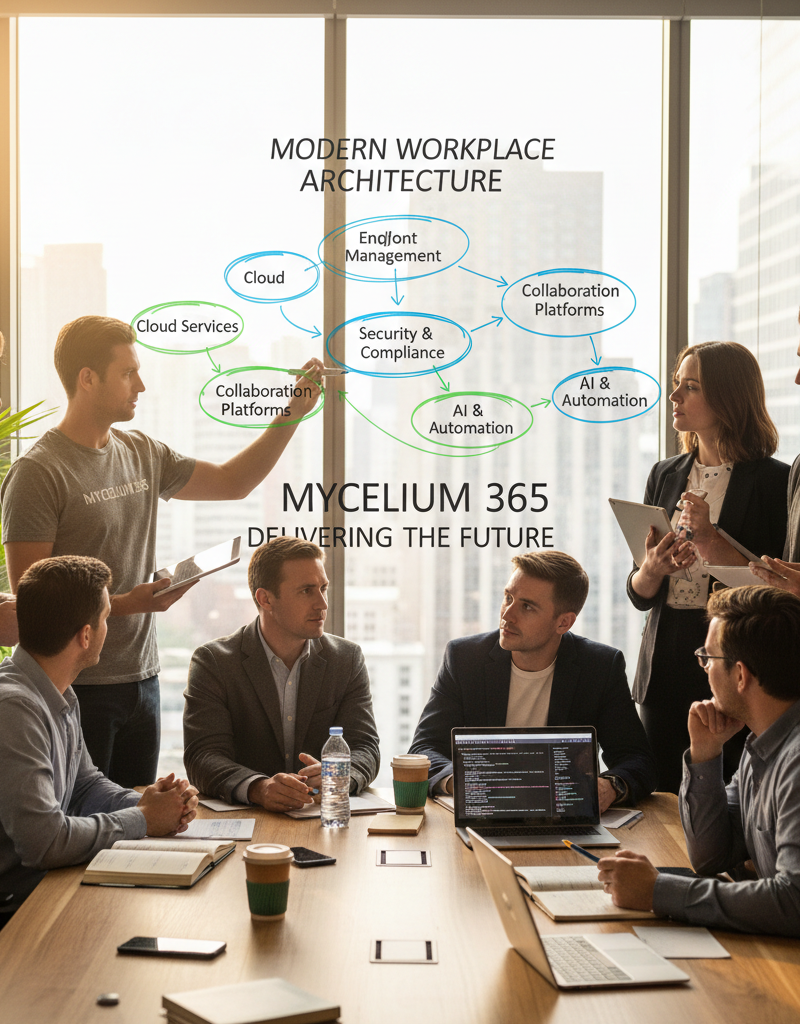
The conclusion regarding virtual desktops and Microsoft 365 is that their unification, along with complementary tools like Intune and SharePoint, fundamentally establishes a highly modern, secure, and productive workplace environment. This integration allows Australian businesses to empower their workforce with flexible access to critical applications and data from any device, anywhere, thereby significantly boosting operational agility. For example, a mid-sized engineering firm in Brisbane could leverage this combined solution to ensure their geographically dispersed teams maintain constant, secure access to design software and project files, leading to a projected 25% improvement in project turnaround times. This comprehensive approach simplifies IT management, strengthens cybersecurity postures, and ensures business continuity, positioning organisations for sustainable growth in the digital landscape.
For more information on Microsoft's vision for the modern workplace, see Microsoft's Official Blog.