In today's rapidly evolving digital landscape, a resilient IT infrastructure is paramount for business success. Downtime, whether caused by cyberattacks, natural disasters, or simple human error, can be incredibly costly. This is where a strategic combination of Microsoft 365, proactive Network Management, and a robust Disaster Recovery plan becomes essential. Leveraging Managed IT Services can significantly simplify this process, ensuring your business remains operational and secure, no matter the challenge.
How do Microsoft 365 and business continuity form a foundation for resilient IT?
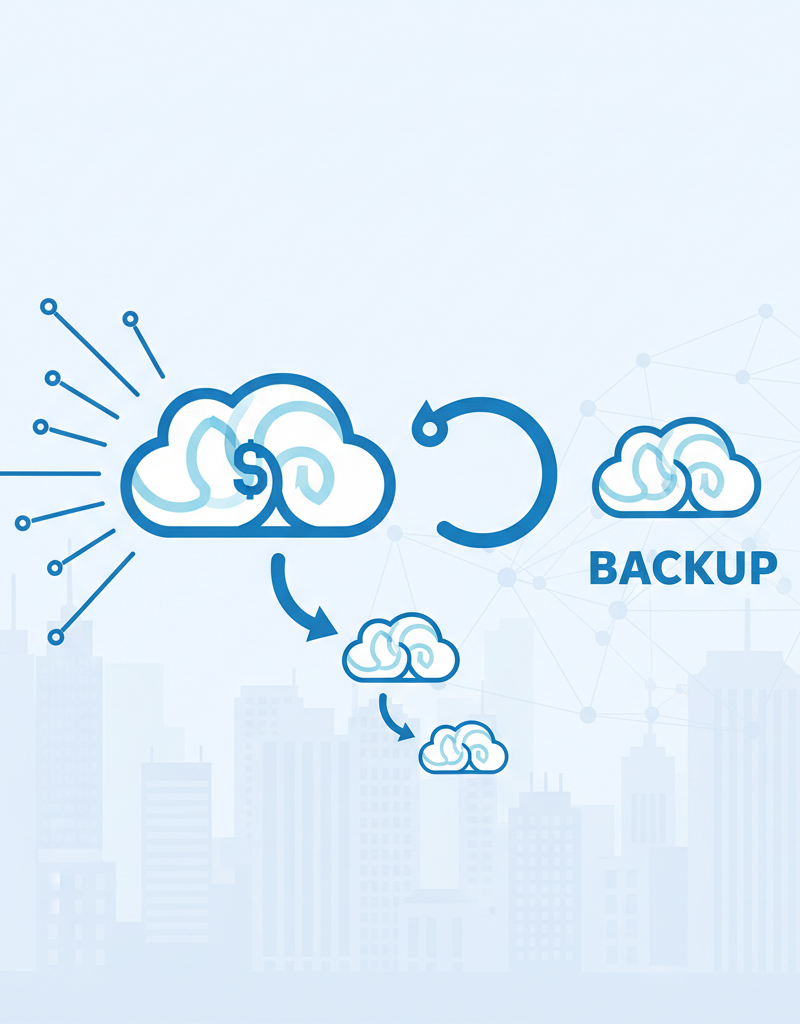
Microsoft 365 and business continuity form a strong foundation for resilient IT by integrating productivity tools with proactive data protection and availability strategies. While Microsoft 365 provides powerful applications for collaboration and communication, its built-in redundancy is not enough to guarantee comprehensive resilience. True business continuity requires proper configuration, meticulous ongoing management, and a robust disaster recovery plan to safeguard operations against disruptions. For example, integrating M365 with a dedicated backup solution, like Azure Backup, ensures critical data, such as emails, SharePoint sites, and OneDrive files, is protected from accidental deletion, ransomware attacks, or system outages. This layered approach prevents costly downtime, which for Australian SMEs can average thousands of dollars per hour, by protecting data beyond M365's native retention policies and ensuring rapid recovery capabilities.
Consider the benefits of integrating Azure Backup with your M365 environment. This ensures your critical data, including emails, SharePoint sites, and OneDrive files, are protected against data loss. See how Secure Your Business with Azure Backup & Modern Workplace for more information.

Why is network management considered an unsung hero for IT resilience?
Network management is indeed an unsung hero for IT resilience because it forms the essential backbone of any organisation's digital operations, directly preventing disruptions and fortifying defences against various threats. Effective network management encompasses proactive monitoring, continuous maintenance, and strategic optimisation across all layers of the network environment. This includes continuous performance monitoring, which can identify and resolve up to 80% of potential bottlenecks before they impact users, thereby averting performance issues and costly outages. Furthermore, robust security management involves implementing advanced firewalls and intrusion detection systems, often integrated with solutions like Microsoft Defender, to significantly reduce vulnerability to cyber threats and data breaches. It also ensures meticulous configuration management and optimal bandwidth allocation, guaranteeing that vital applications always possess the necessary resources to function smoothly, thereby maintaining operational continuity and data integrity. This comprehensive approach is crucial for navigating an increasingly complex cyber landscape.
- Performance Monitoring: Continuously tracking network performance to identify bottlenecks and resolve issues before they impact users.
- Security Management: Implementing firewalls, intrusion detection systems, and other security measures to protect against cyber threats. Consider leveraging Microsoft Defender for comprehensive threat protection. Read more about Modern Workplace Security: Intune & Defender.
- Configuration Management: Ensuring network devices are properly configured and updated to maintain optimal performance and security. This can be streamlined with tools like Intune for device management.
- Bandwidth Management: Optimising bandwidth allocation to ensure critical applications have the resources they need.
Regular network audits and penetration testing are crucial for identifying vulnerabilities and ensuring your network is secure. The Australian Cyber Security Centre (ACSC) provides valuable resources and guidance on cybersecurity best practices: https://www.cyber.gov.au/
How can businesses plan for the unexpected with disaster recovery?
Businesses can plan for unexpected disruptions through a robust Disaster Recovery (DR) strategy, which comprehensively outlines the restoration of IT systems and data following an adverse event. A well-constructed DR plan is critical for mitigating downtime and ensuring continuous business operations, with Australian businesses losing an average of AUD $13,000 per hour of downtime. Key elements of such a plan typically include a thorough risk assessment to identify vulnerabilities, clearly defined backup and recovery protocols—potentially leveraging cloud solutions like Azure Backup—and detailed failover procedures, which might utilise services such as Azure Site Recovery for automated transitions to backup infrastructure. Regular testing and drills are also indispensable to validate the plan's effectiveness and identify any areas for improvement before a real crisis occurs, ensuring that all systems can be restored efficiently and reliably.
- Risk Assessment: Identifying potential threats and vulnerabilities.
- Backup and Recovery Procedures: Defining how data will be backed up and restored. Azure Backup is a reliable solution for backing up your data to the cloud.
- Failover Procedures: Outlining how systems will be failed over to a backup site in the event of a disaster. Azure Site Recovery can automate this process.
- Testing and Drills: Regularly testing your DR plan to ensure it works as expected. See Microsoft 365: Disaster Recovery Essentials for more information.
What is the role of Entra ID in creating a resilient IT infrastructure?
Entra ID (formerly Azure Active Directory) is fundamental to creating a resilient IT infrastructure by acting as a central identity platform that secures and manages access for Microsoft 365 and other cloud applications. It enables organisations, particularly small to medium-sized businesses in Australia, to control users, groups, and devices from a single point, significantly reducing the attack surface. Implementing multi-factor authentication (MFA) with Entra ID is a critical security measure, proven to block over 99.9% of automated credential theft attacks, thereby fortifying defence against unauthorised access. Furthermore, its Conditional Access policies allow for granular control, ensuring only authorised users can access sensitive data based on real-time factors like location or device health. For example, a policy might block access from unmanaged personal devices originating from outside Australia, preventing potential breaches and maintaining robust business continuity. This centralised management streamlines security efforts for Australian businesses, enhancing their overall resilience against cyber threats.
Furthermore, Entra ID Conditional Access policies can be used to enforce security requirements based on factors such as location, device, and user risk. This helps to ensure that only authorised users can access sensitive data. Microsoft Learn offers detailed documentation on configuring Entra ID Conditional Access policies: https://learn.microsoft.com/en-us/entra/identity/conditional-access/overview
Why choose managed IT services?
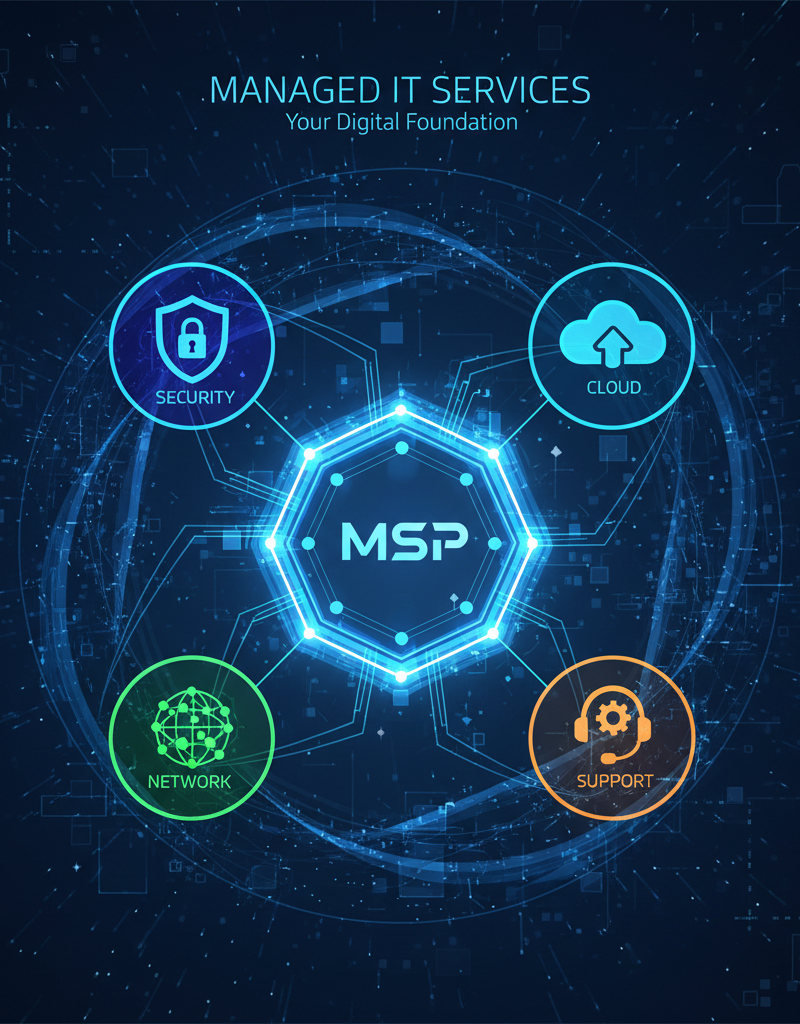
Choosing managed IT services offers businesses a strategic advantage by simplifying complex infrastructure management and ensuring operational resilience. These services provide access to a dedicated team of experts who proactively manage all IT aspects, from core network functionality and robust cyber security measures to seamless cloud migration and comprehensive disaster recovery planning. For instance, reputable providers often include 24/7 monitoring, identifying and resolving potential issues before they impact productivity. By entrusting IT operations to a managed service provider, Australian businesses can significantly reduce their internal IT overheads, potentially by up to 25% year-on-year, allowing them to reallocate internal resources towards core business objectives. This outsourcing model guarantees that IT infrastructure remains current, secure, and highly dependable, integrating solutions like Seamless Cloud Migration to Microsoft 365 to ensure optimal performance and business continuity.
Managed IT services can offer:
- Proactive Monitoring and Maintenance: Identifying and resolving issues before they impact your business.
- 24/7 Support: Providing round-the-clock support to ensure your systems are always running smoothly. Read more about Optimise IT with Microsoft 365 & Expert Support.
- Expertise and Experience: Accessing a team of experienced IT professionals with the skills and knowledge to manage your IT infrastructure effectively.
- Cost Savings: Reducing IT costs by outsourcing your IT management to a managed service provider. See how Boost Efficiency with Managed IT & Cloud Migration can help.
How do you implement a zero trust security model?
To implement a zero-trust security model, organisations operate under the principle that no user or device is to be implicitly trusted, regardless of whether they are inside or outside the network perimeter. This mandates rigorous verification for every access request before it is granted. Key pillars of this approach include meticulously verifying user identities, often through multi-factor authentication (MFA) like biometric scans or push notifications to a registered device, and meticulously validating that all devices comply with established security policies. For instance, devices might need up-to-date antivirus software and encryption enabled before gaining network access. Additionally, organisations must strictly adhere to the principle of least privilege, ensuring users are granted only the minimum necessary access required for their job functions. This method significantly bolsters an organisation's cyber resilience, with many Australian businesses reporting a 60-70% reduction in successful phishing attacks after implementing a robust zero-trust framework within the first 12-18 months.
- Verifying Identity: Using multi-factor authentication (MFA) to verify the identity of users.
- Validating Devices: Ensuring devices are compliant with security policies before granting access.
- Limiting Access: Granting users only the minimum level of access they need to perform their job.
- Monitoring Activity: Continuously monitoring user and device activity for suspicious behaviour.
Microsoft provides a comprehensive set of tools and services for implementing a Zero Trust security model, including Entra ID, Microsoft Defender, and Intune. Learn how Secure and Scale with Managed IT Services & Azure can help you implement Zero Trust.
Why should Australian businesses prioritise IT resilience for long-term success?
Australian businesses should prioritise IT resilience for long-term success to ensure continuous operations, maintain security, and remain competitive amidst evolving digital threats and market dynamics. A resilient IT infrastructure, built upon robust components like Microsoft 365 services, proactive network management, and a comprehensive disaster recovery plan, safeguards against disruptions that could otherwise lead to significant financial losses or reputational damage. For instance, a well-implemented resilience strategy can reduce downtime by as much as 80% following a cyber attack or system failure, which is crucial given that the average cost of a data breach in Australia exceeds AUD $3.5 million. Embracing security frameworks such as Zero Trust and regularly reviewing your security posture are also vital to maintain this strategic advantage. Engaging expert managed IT services further reinforces this resilience, providing specialised knowledge, ongoing maintenance, and ensuring compliance, allowing businesses in locations like Melbourne and Sydney to focus on their core operations while their digital foundation remains secure and reliable.