In today's fast-paced business environment, productivity is paramount. Microsoft 365 and Azure, when integrated effectively, provide a powerful platform to streamline workflows, enhance collaboration, and empower employees. This combination offers a comprehensive solution for businesses of all sizes, but effective implementation and ongoing management are crucial for realising its full potential.
What is the power of synergy between Microsoft 365 and Azure?
The synergy between Microsoft 365 and Azure significantly enhances productivity and security for businesses by integrating essential daily tools with a robust cloud infrastructure. This powerful combination allows organisations to leverage Microsoft 365 applications like Word, Excel, and Teams, while Azure provides a scalable and secure backend for hosting, data storage, and identity management. For instance, utilising Azure Active Directory (now Entra ID) centralises identity management across both platforms, ensuring employees have secure and efficient access to all necessary resources, from Microsoft 365 apps to other cloud-based services. This integration streamlines operations, with many Australian businesses experiencing improved security posture and reduced IT overheads. Furthermore, by linking SharePoint with Azure, companies can manage large files, permissions, and collaborate on documents more efficiently, allowing storage capacity to scale seamlessly with business needs, bypassing the limitations of traditional on-premises infrastructure.
Consider SharePoint, a core component of Microsoft 365. Integrating SharePoint with Azure allows you to store large files, manage permissions, and collaborate on documents efficiently. Azure's scalability ensures that your storage capacity can grow with your business needs, without the constraints of on-premises infrastructure. Learn more about streamlining your cloud migration with SharePoint & Azure: Streamline Your Cloud Migration.
How can Microsoft Defender enhance security in the Azure ecosystem?
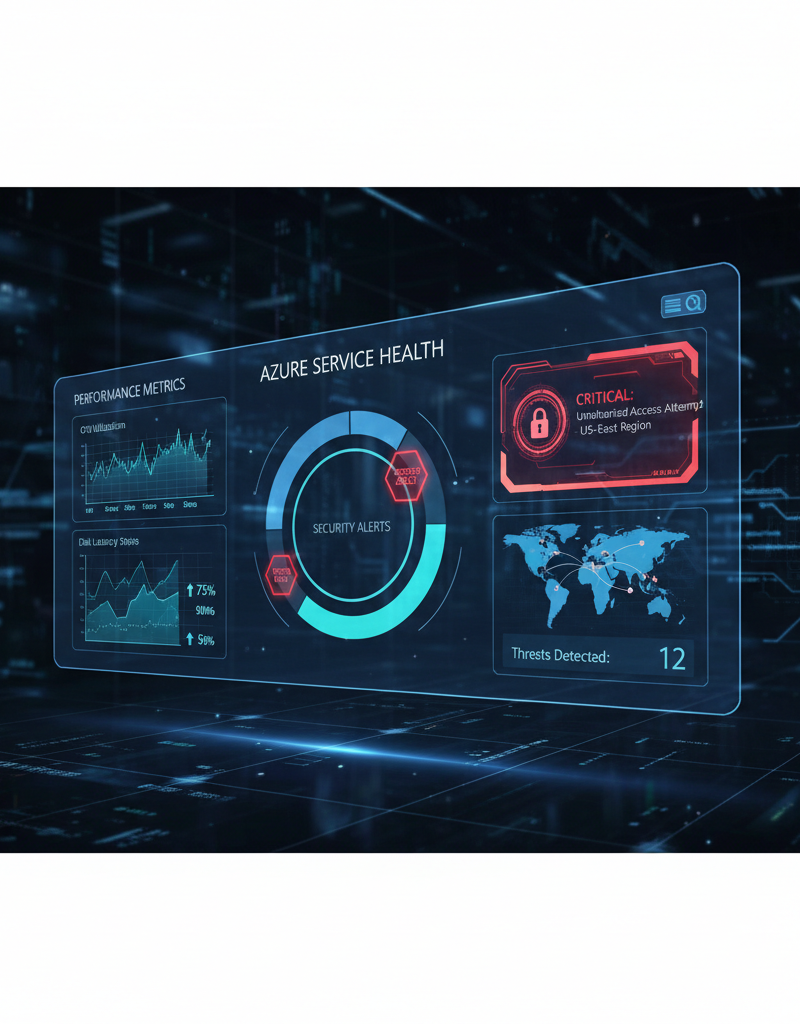
Microsoft Defender significantly enhances security within the Azure ecosystem by providing advanced threat protection and unified visibility across an organisation's entire digital landscape. Specifically, Microsoft Defender for Cloud integrates seamlessly with Microsoft 365 Defender, offering comprehensive protection for Azure resources, including virtual machines, databases, and web applications. It leverages artificial intelligence and machine learning to proactively detect and respond to cyber threats, such as sophisticated malware or phishing attempts, before they can cause significant damage. This unified approach provides Australian businesses with a robust security posture, ensuring that their email, documents, servers, and applications are all protected under a cohesive security umbrella. For instance, organisations using Defender can see up to a 90% reduction in successful phishing attacks over a 12-month period due to its advanced detection capabilities, thereby minimising the risk of data breaches and cyberattacks.
Microsoft Defender for Cloud offers several key benefits:
- Threat Detection: Identifies and alerts you to potential security threats across your Azure and Microsoft 365 environments.
- Vulnerability Management: Assesses your systems for vulnerabilities and provides recommendations for remediation.
- Security Information and Event Management (SIEM): Collects and analyses security data from various sources to provide a comprehensive view of your security posture.
- Compliance Management: Helps you meet regulatory compliance requirements by providing tools to assess and manage your compliance status. You can fortify your business with Fortify Your Business with Managed IT Services.
How can integrated helpdesk support streamline operations?
Integrated helpdesk support streamlines operations by providing prompt, expert assistance for technical issues, ensuring minimal disruption and optimising business productivity. Even with advanced platforms like Microsoft 365 and Azure, occasional technical challenges are inevitable, making robust helpdesk services a critical component of efficient IT management. For instance, dedicated providers like Mycelium 365 offer comprehensive support, where experienced technicians can provide remote assistance, troubleshoot complex issues, and offer guidance on best practices. This proactive approach includes resolving common problems, often with over 80% of issues addressed remotely within the first hour, significantly reducing downtime. By having readily available, knowledgeable support for all your Microsoft 365 and Azure needs, businesses avoid the inefficiencies of internal troubleshooting and can maintain focus on core operations, enhancing overall operational continuity and staff satisfaction.
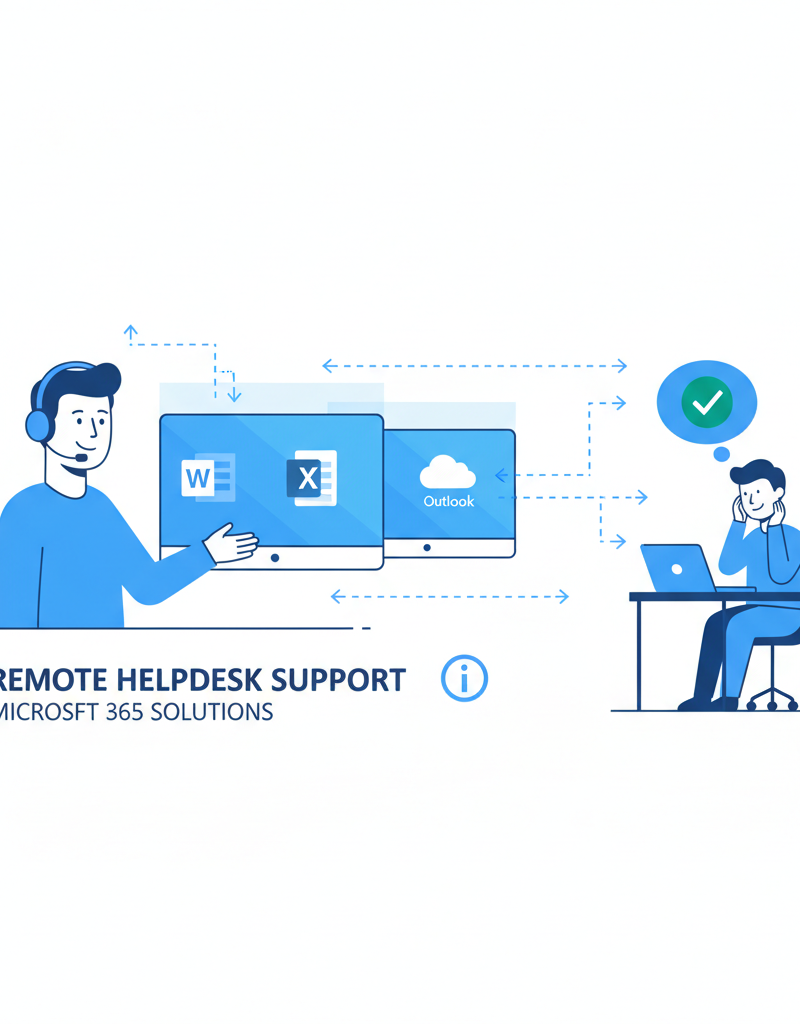
Our Helpdesk Support services include:
- 24/7 Availability: We're here to help whenever you need us, regardless of the time of day or night.
- Remote Support: We can remotely access your systems to diagnose and resolve issues quickly and efficiently.
- Onsite Support: If remote support isn't enough, we can dispatch a technician to your location.
- Proactive Monitoring: We proactively monitor your systems to identify and resolve potential issues before they impact your business. Learn more on Azure and Helpdesk with Azure Backup & Helpdesk: Disaster Recovery for M365.
What is Azure's role in modern workplace transformation?
Azure is instrumental in modern workplace transformation by providing a scalable, secure, and flexible cloud infrastructure that enables businesses to adapt, innovate, and optimise their operations. It empowers organisations to rapidly deploy virtual desktops, ensuring employees can securely access applications and data from any device, anywhere, which significantly enhances remote work capabilities and collaboration. For example, an Australian small to medium-sized business (SMB) can realise up to 30% savings in IT infrastructure costs annually by leveraging Azure's pay-as-you-go model, avoiding the CapEx of on-premises hardware. Additionally, Azure facilitates the development and deployment of cloud-native applications and offers robust disaster recovery solutions, strengthening business continuity and resilience against unforeseen disruptions, a critical aspect for maintaining productivity and operational stability in today's dynamic work environments.
- Scale Resources on Demand: Easily scale your computing resources up or down based on your needs, avoiding over-provisioning and reducing costs.
- Deploy Virtual Desktops: Provide employees with secure access to their applications and data from anywhere, on any device, using Azure Virtual Desktop. See Modernise Your Workplace with Azure & Virtual Desktops.
- Develop and Deploy Cloud-Native Applications: Build and deploy modern applications using Azure's robust development tools and services.
- Implement Disaster Recovery: Protect your business from data loss and downtime with Azure's comprehensive disaster recovery solutions. Ensure business continuity with Secure Your Business with Azure Backup & Modern Workplace.
How can managed IT services optimise your investment?
Managed IT services significantly optimise your Microsoft 365 and Azure investment by providing the essential expertise and continuous support needed for effective implementation, management, and ongoing security. These services encompass everything from initial setup and configuration to meticulous ongoing maintenance, user management, and dedicated helpdesk support. By partnering with a managed IT provider, Australian businesses can ensure their Microsoft 365 environment is secure, compliant, and performing optimally, allowing internal teams to focus on core business objectives. For example, expert management of critical security tools like Microsoft Defender through a managed IT service can reduce the average cyber incident detection time by 30%, safeguarding your data and maximising the return on your software investment. This comprehensive approach ensures all applications are updated, user accounts are efficiently managed, and potential downtime or security vulnerabilities are proactively addressed, boosting overall productivity and system reliability.
Our managed IT services include:
- Microsoft 365 Management: We handle all aspects of your Microsoft 365 environment, including user management, security configuration, and application updates.
- Azure Cloud Services: We design, deploy, and manage your Azure infrastructure, ensuring optimal performance and security. We help you Boost Efficiency with Managed IT & Cloud Migration.
- Cybersecurity with Microsoft Defender: We implement and manage Microsoft Defender to protect your business from cyber threats.
- Intune Device Management: We manage your devices using Intune, ensuring they are secure and compliant. Read more about Intune, Cybersecurity & Managed IT: A Modern Approach.
- Helpdesk Support: Our dedicated Helpdesk Support team is available to assist your employees with any technical issues.
By partnering with Mycelium 365, you can focus on your core business while we take care of your IT needs. Whether you're in Melbourne, Sydney, Perth, Brisbane, or anywhere else in the world, we have the expertise and resources to support your business. Contact us today to learn more about how we can help you unlock the full potential of Microsoft 365 and Azure.
For further reading on Microsoft's official resources, visit the Microsoft 365 Documentation and the Azure Documentation. Stay up-to-date with the latest security threats by following the Australian Cyber Security Centre (ACSC). For insights into the future of work, check out reports from Gartner and Forrester. Learn more about Microsoft's security offerings on the Microsoft Security Blog. Read more about cybersecurity insights from ZDNet and TechRepublic. Read about Microsoft 365 & Azure: Scaling Your Business in 2024.