In today's digital landscape, ensuring data security and accessibility is paramount for business success. Microsoft offers a powerful suite of tools designed to achieve both: SharePoint, Microsoft Defender, and Virtual Desktop (often referred to as Azure Virtual Desktop). When implemented strategically, these technologies can significantly enhance your organisation's overall IT posture. Mycelium 365 can help you implement and manage these tools effectively across your Australian offices in Melbourne, Sydney, Perth, and Brisbane, as well as internationally.
How can SharePoint help with secure collaboration?
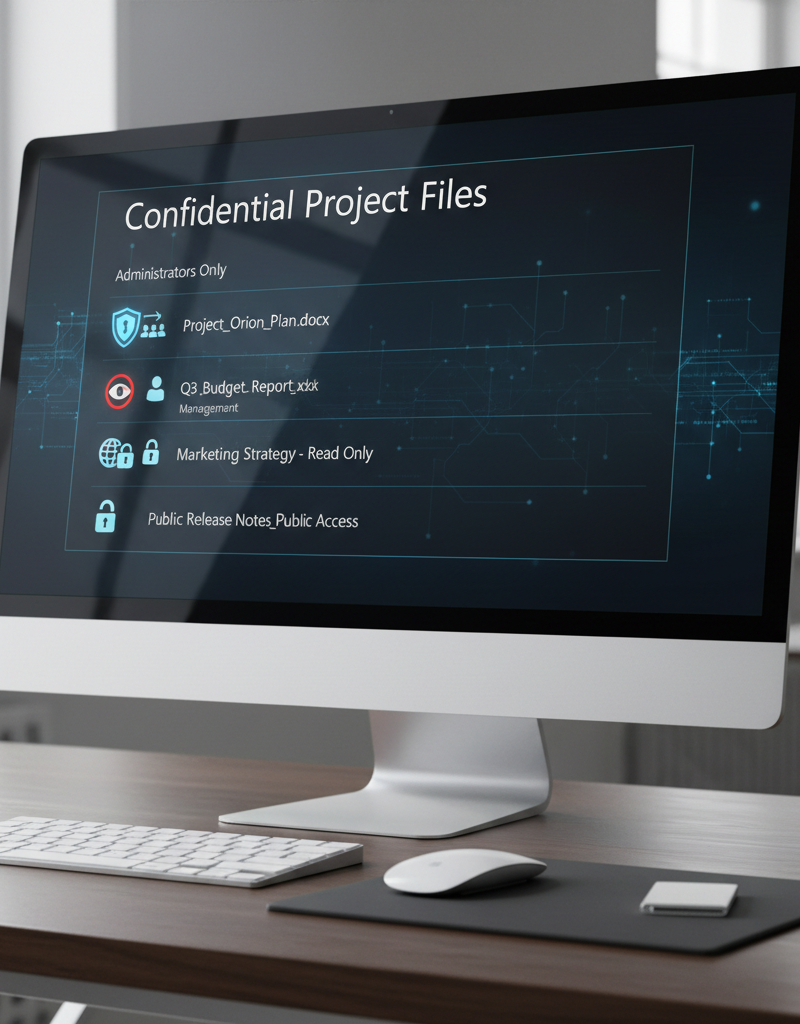
SharePoint significantly enhances secure collaboration by providing a robust suite of security features that allow Australian businesses to protect sensitive information effectively. Beyond simple document storage, its true strength lies in offering granular control over access, enabling administrators to precisely define who can view, edit, or share specific documents and sites. For instance, organisations can establish Data Loss Prevention (DLP) policies to automatically identify and prevent sensitive data, like client financial records or proprietary designs, from leaving the company's controlled environment. This proactive measure can reduce data breaches by up to 80%. Furthermore, SharePoint supports Multi-Factor Authentication (MFA) to add an essential layer of user account security and facilitates comprehensive auditing of all user activity, providing detailed logs crucial for security investigations and meeting various compliance standards.
- Control Access: Granular permissions allow you to define who can access specific documents and sites. Microsoft Learn: SharePoint permissions
- Implement Data Loss Prevention (DLP): DLP policies help prevent sensitive information from leaving your organisation. Microsoft 365 DLP
- Enable Multi-Factor Authentication (MFA): Add an extra layer of security to user accounts. We also covered this in Entra ID: Your Business Continuity Lifeline
- Audit User Activity: Track who is accessing and modifying files, providing valuable insights for security investigations. Microsoft Purview Audit
Effective SharePoint management is crucial to maximizing these benefits. This includes regular audits, user training, and the implementation of best practices. Mycelium 365 offers comprehensive SharePoint management services to ensure your environment is secure and optimised.
Why is Microsoft Defender considered the first line of defence?
Microsoft Defender is considered the first line of defence because it offers a comprehensive, integrated security solution that proactively protects organisations from a wide array of cyber threats, including sophisticated malware, phishing attacks, and ransomware. This robust system seamlessly integrates with SharePoint and other Microsoft 365 services, establishing a cohesive and unified security posture across an organisation's digital assets. For instance, its Endpoint Detection and Response (EDR) capability actively monitors and neutralises threats on devices like laptops and desktops, providing a critical barrier against infiltration. Furthermore, Defender leverages Microsoft's vast global threat intelligence network to anticipate and defend against emerging cyber risks, ensuring Australian businesses remain protected against new vulnerabilities. Its automated investigation and remediation features drastically reduce the manual workload for IT teams, freeing them to focus on strategic security initiatives and potentially saving thousands in incident response costs annually.
- Endpoint Detection and Response (EDR): Detect and respond to threats on endpoints, such as laptops and desktops. Microsoft Defender for Endpoint
- Threat Intelligence: Leverage Microsoft's global threat intelligence network to stay ahead of emerging threats. Microsoft Threat Intelligence
- Automated Investigation and Remediation: Automatically investigate and remediate security incidents, reducing the workload on your IT team. Microsoft Defender Automated Investigation
- Integration with Azure Sentinel: Centralise security information and event management (SIEM) for enhanced visibility and threat detection. We can help you with Secure & Scale: Managed IT Services for Modern Businesses.
Mycelium 365 can help you configure and manage Microsoft Defender to protect your organisation from the latest cyber threats. We offer 24/7 monitoring and incident response services to ensure your business is always protected. Don't forget to check out our blog on Modern Workplace Security: Intune & Defender.
How does Azure Virtual Desktop provide secure access from anywhere?
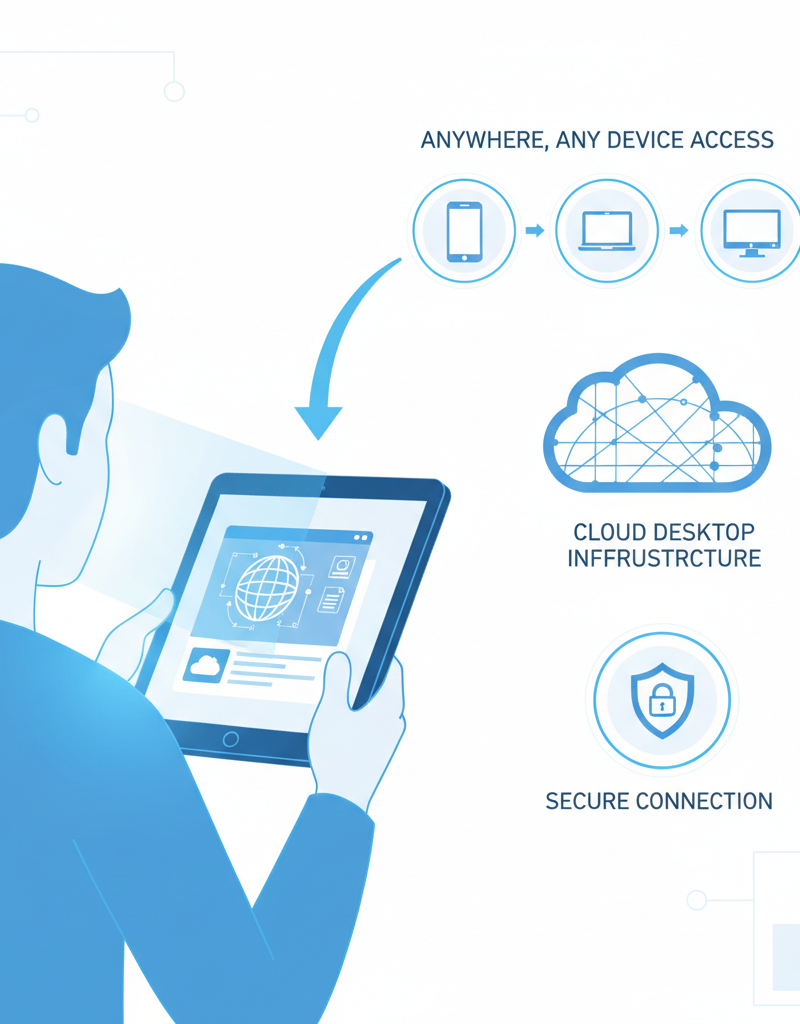
Azure Virtual Desktop provides secure access from anywhere by centralising your entire desktop environment and organisational data within the highly secure Azure cloud infrastructure. This robust system drastically reduces the risk of data loss, as sensitive information is never stored locally on individual user devices but remains protected in Azure. For example, businesses can enforce advanced security policies like multifactor authentication and conditional access, ensuring that only authorised personnel can connect to their virtual desktops, regardless of their physical location or the device they are using. This cloud-based solution simplifies IT management significantly, allowing for centralised updates and patch distribution across all virtual desktops. Consequently, organisations in Australia can better meet stringent regulatory compliance requirements, safeguarding data while empowering employees with flexible, secure access to their work tools.
- Reduce the Risk of Data Loss: Data is stored securely in Azure, not on individual devices. Azure Virtual Desktop Documentation
- Simplify Management: Manage and update applications and operating systems from a central location. We can help you Boost Efficiency with Managed IT & Cloud Migration.
- Improve Security: Enforce security policies and control access to sensitive data. Microsoft Intune can be used for device management, as discussed in Intune, Cybersecurity & Managed IT: A Modern Approach.
- Enhance Compliance: Meet regulatory requirements by ensuring data is stored and processed in a secure environment. ZDNet: Azure Virtual Desktop Compliance
Azure Virtual Desktop is a key component of a modern workplace strategy. Mycelium 365 can help you design, deploy, and manage your Virtual Desktop environment to ensure it meets your specific business needs. Furthermore, explore how we help you Modernise Your Workplace with Azure & Virtual Desktops.
How can SharePoint, Microsoft Defender, and Virtual Desktop be integrated?
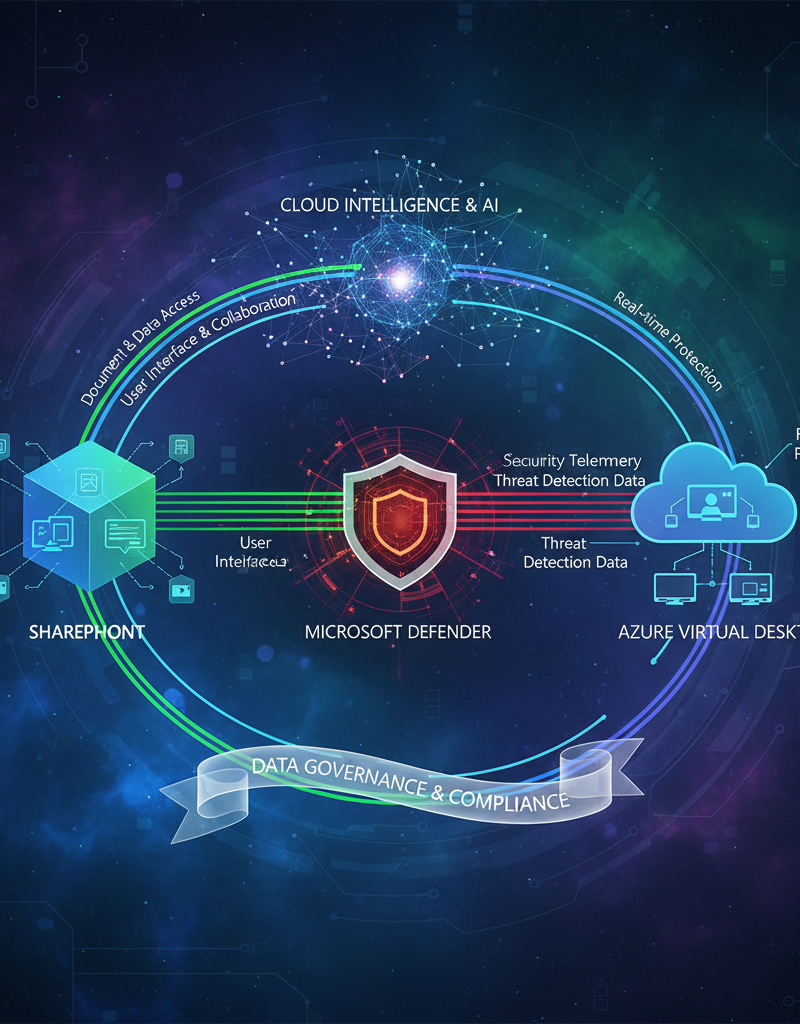
SharePoint, Microsoft Defender, and Virtual Desktop can be seamlessly integrated to significantly enhance data security and operational efficiency within an organisation. By integrating these robust Microsoft 365 services, users gain secure access to SharePoint documents directly from their Virtual Desktop environments, ensuring all organisational data remains securely stored in the cloud and centrally managed. For example, Microsoft Defender provides crucial advanced threat detection and response capabilities, actively safeguarding the Virtual Desktop infrastructure against sophisticated malware, phishing attempts, and other cyber threats in real-time. Moreover, implementing specific data loss prevention (DLP) policies within SharePoint ensures that sensitive information cannot be copied, printed, or shared outside the organisation, even when employees are accessing it from their Virtual Desktop. This comprehensive and layered integration provides a secure and productive digital workspace, critical for protecting sensitive business data in Australia.
- Users can access SharePoint documents from their Virtual Desktop, ensuring all data is stored securely in the cloud.
- Microsoft Defender protects the Virtual Desktop environment from malware and other threats.
- DLP policies in SharePoint prevent sensitive data from being copied or shared outside the organisation, even when users are accessing it from a Virtual Desktop.
This integrated approach provides a robust and comprehensive security solution. Mycelium 365 has the expertise to help you integrate these technologies seamlessly into your existing IT environment.
What are the next steps for securing my business with Mycelium 365?
To secure your business with Mycelium 365, the immediate next steps involve a comprehensive approach combining strategic consulting, expert implementation, ongoing management, and user training tailored to Microsoft 365 services like SharePoint, Microsoft Defender, and Virtual Desktop. Mycelium 365 typically initiates the process with a thorough assessment of your existing IT environment to craft a bespoke security strategy, ensuring all specific business requirements are addressed. This includes the strategic deployment of technologies such as SharePoint for collaborative document management and Microsoft Defender for advanced threat protection, which industry reports indicate can reduce security incidents by up to 75% for small to medium Australian businesses. Ongoing support guarantees these systems remain secure and optimised, while comprehensive training empowers your staff to utilise these powerful tools effectively and safely, aligning with best practices and guidance from the Australian Cyber Security Centre (ACSC) for robust data protection.
- Consulting: We can help you assess your current IT environment and develop a tailored security strategy.
- Implementation: We can deploy and configure SharePoint, Microsoft Defender, and Virtual Desktop to meet your specific needs.
- Management: We offer ongoing management and support services to ensure your environment is always secure and optimised.
- Training: We can provide training to your users to ensure they understand how to use these technologies effectively and securely. We also offer Microsoft 365 & Azure: Scaling Your Business in 2024.
Contact Mycelium 365 today to learn more about how we can help you secure your data and empower your workforce. Australian Cyber Security Centre (ACSC).
By leveraging the power of SharePoint, Microsoft Defender, and Virtual Desktop, you can create a secure and productive environment for your business. Mycelium 365 is your trusted partner for Microsoft Modern Workplace solutions. We offer comprehensive services, including Microsoft 365 management, Azure cloud services, and Cybersecurity with Microsoft Defender.