In today's rapidly evolving digital landscape, businesses across Australia – from Melbourne to Perth and beyond – face increasingly sophisticated cyber threats. A robust security posture is no longer optional; it's essential for survival. Microsoft 365 offers a powerful suite of tools designed to protect your data and infrastructure. Let's explore how you can leverage these tools, including Microsoft Defender, Exchange Online, Azure Backup, and Zero Trust Security principles, to create a secure and resilient environment.
How can Australian businesses embrace Zero Trust Security in Microsoft 365?
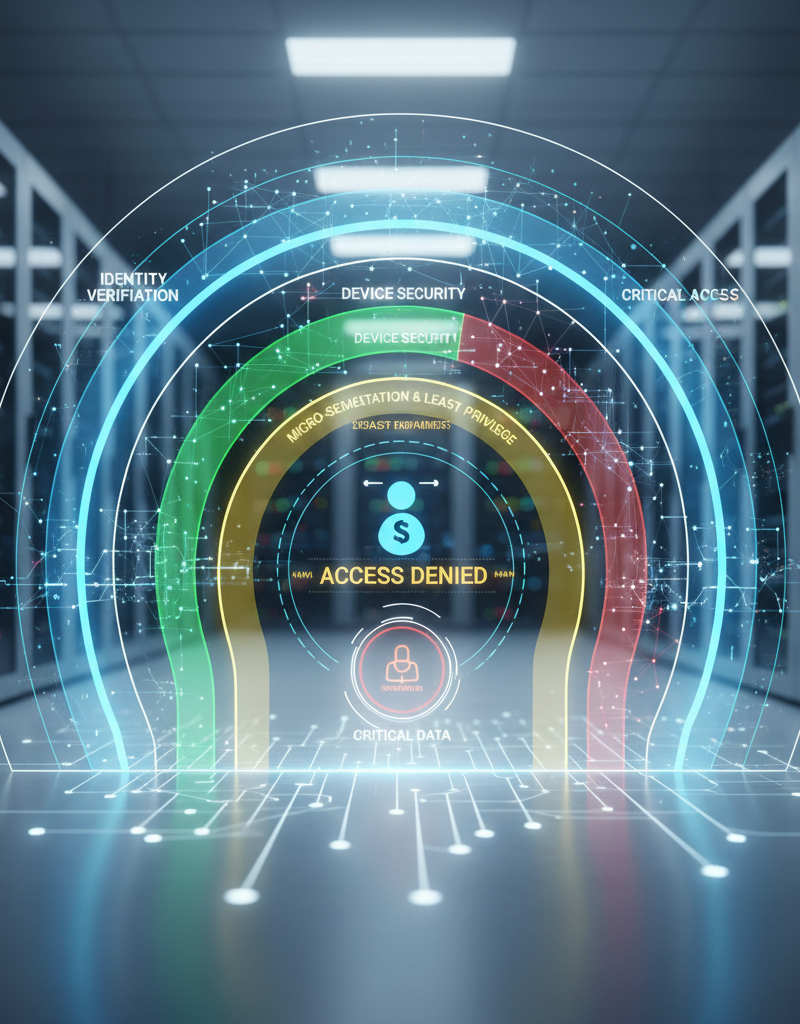
Australian businesses can embrace Zero Trust Security in Microsoft 365 by fundamentally shifting from an implicit trust model to one where no user or device is inherently trustworthy, irrespective of their network location. This demands rigorous, explicit identity verification for every access attempt to resources within the Microsoft 365 environment, as outlined by Microsoft’s Zero Trust principles. A critical first step involves implementing multi-factor authentication (MFA) for all user accounts, a capability robustly supported by Azure Active Directory (now Entra ID). Furthermore, businesses should adopt the principle of least privileged access, ensuring staff only have the minimum permissions necessary for their roles – for example, limiting a marketing user’s access to sensitive finance documents in SharePoint. Continuously monitoring and validating access, and proactively assuming breach readiness, like setting up alerts for suspicious login attempts, are also vital for securing digital assets and data within an Australian business's Microsoft 365 ecosystem.
Implementing Zero Trust within your Microsoft 365 environment involves several key steps:
- Verify explicitly: Use multi-factor authentication (MFA) for all users. Azure Active Directory (now Entra ID) provides robust MFA capabilities. Learn more about this in our article Entra ID: Your Business Continuity Lifeline.
- Use least privileged access: Grant users only the minimum level of access required to perform their job functions. Microsoft 365 offers granular permission controls for SharePoint, Exchange Online, and other services.
- Assume breach: Continuously monitor and validate access to resources. Implement threat detection and response mechanisms to quickly identify and remediate suspicious activity.
Learn more about Zero Trust Security
How can I fortify my email security with Exchange Online?
You can significantly fortify your email security with Exchange Online by leveraging its comprehensive suite of built-in protections against various cyber threats, as email remains a primary vector for cyberattacks. Exchange Online, as Microsoft's cloud-based email service, provides robust features like Advanced Threat Protection (ATP), which proactively scans and blocks malicious attachments and links before they reach user inboxes, effectively neutralising phishing and malware. Additionally, its anti-phishing policies analyse email content and sender behaviour to identify and quarantine suspicious emails, reducing the risk of social engineering attacks. For example, implementing ATP can drastically reduce the incidence of successful phishing attempts by up to 99% in some Australian organisations, safeguarding sensitive data and maintaining operational continuity. Furthermore, Data Loss Prevention (DLP) policies prevent sensitive information from being inadvertently shared outside your organisation, ensuring compliance and data integrity. This comprehensive approach empowers businesses to maintain a secure communication environment.
- Advanced Threat Protection (ATP): ATP provides real-time protection against malicious attachments and links. It scans incoming emails for known and unknown threats and blocks them before they reach your users' inboxes.
- Anti-phishing policies: These policies help to identify and block phishing attempts by analysing email content and sender behaviour. Exchange Online also provides user training and awareness tools to help employees recognise and avoid phishing scams.
- Data Loss Prevention (DLP): DLP policies prevent sensitive data from leaving your organisation's control. You can configure DLP policies to automatically detect and block emails containing confidential information, such as credit card numbers or social security numbers.
For more information on migrating to Exchange Online, see our guide: Migrating to Microsoft 365: A Comprehensive Guide.
What is Microsoft Defender and how can it be a comprehensive security solution?
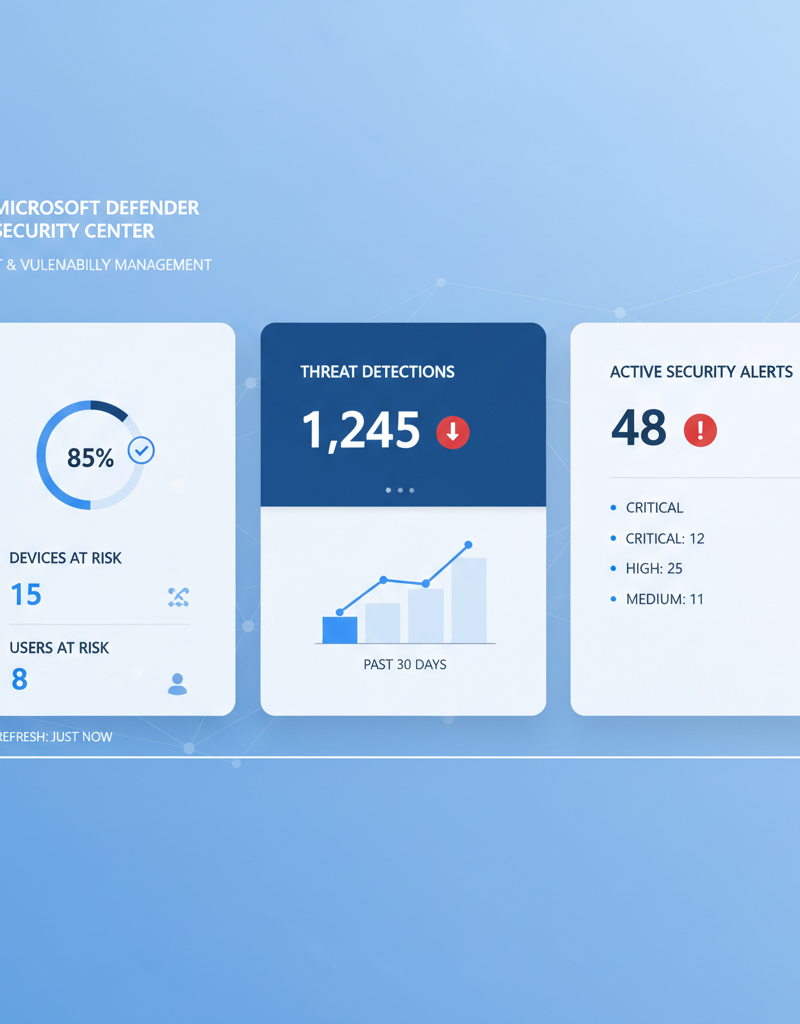
Microsoft Defender is a unified security platform that provides comprehensive protection across your entire Microsoft 365 environment, making it a robust security solution by integrating several key components to safeguard digital assets. It offers advanced threat detection, automated investigation, and response capabilities for endpoints, protecting devices from sophisticated malware and ransomware with features like behavioural monitoring. For instance, Microsoft Defender for Office 365 comprehensively secures email, files, and collaboration tools against phishing and other malicious attacks, demonstrating high effectiveness, often blocking over a million malicious emails daily for Australian enterprises. Additionally, by extending protection to cloud applications through Microsoft Defender for Cloud Apps, it helps businesses manage shadow IT, prevent data breaches, and enforce critical security policies across their entire cloud footprint, ensuring a holistic and continuously adapting approach to cyber security threats.
- Microsoft Defender for Endpoint: Protects your devices from malware, ransomware, and other threats. It provides advanced threat detection, automated investigation, and response capabilities.
- Microsoft Defender for Office 365: Protects your email, files, and collaboration tools from malicious attacks. It provides advanced threat protection, anti-phishing, and anti-malware capabilities.
- Microsoft Defender for Cloud Apps: Provides visibility and control over your cloud applications. It helps you to identify and manage shadow IT, detect and prevent data breaches, and enforce security policies.
Our article Modern Workplace Security: Intune & Defender delves deeper into how these tools work together to secure your modern workplace. We can also help you Fortify Your Business with Managed IT Services.
What are the key network management and security considerations for businesses?
Effective network management and security are paramount for businesses to safeguard their data and operations within a Microsoft 365 environment against evolving cyber threats. Essential considerations include network segmentation, which involves dividing the network into smaller, isolated segments to contain potential breaches and limit lateral movement, as recommended by the Australian Cyber Security Centre (ACSC). Furthermore, rigorous firewall management, utilising solutions like Azure Firewall, is crucial for blocking unauthorised access and ensuring firewalls are regularly updated with the latest security patches. Implementing intrusion detection and prevention systems (IDPS) is equally vital as these systems actively monitor network traffic for suspicious patterns and automatically mitigate potential attacks. For remote workforces, securing access via Virtual Private Networks (VPNs) ensures encrypted connections from unsecured environments, protecting sensitive information; this is particularly critical for the approximately 2.5 million Australian small to medium-sized enterprises (SMEs) increasingly reliant on cloud services.
- Network segmentation: Dividing your network into smaller, isolated segments can limit the impact of a security breach. If one segment is compromised, the attacker will not be able to easily access other parts of your network.
- Firewall management: Firewalls are essential for blocking unauthorised access to your network. Ensure that your firewalls are properly configured and regularly updated with the latest security patches. Consider using Azure Firewall for cloud-based protection.
- Intrusion detection and prevention systems (IDPS): IDPS can detect and block malicious network traffic. These systems monitor network traffic for suspicious patterns and automatically take action to prevent attacks.
- VPNs and secure remote access: Ensure that remote users are connecting to your network securely using VPNs or other secure remote access solutions.
Learn more about network security best practices from the Australian Cyber Security Centre (ACSC)
How can Azure Backup help with data protection and recovery?
Azure Backup significantly enhances data protection and recovery by providing a reliable and cost-effective solution for safeguarding Microsoft 365 data against accidental deletion, ransomware attacks, and other unforeseen disasters. This service automatically executes backups on a regular schedule, ensuring that recent, viable copies of crucial business information are consistently available; for example, many Australian small businesses configure daily or even hourly backups. The data is secured within geo-redundant storage, offering robust protection against data loss stemming from hardware failures or natural catastrophes affecting a single geographic region. This comprehensive approach facilitates swift recovery, enabling organisations, such as a Melbourne-based financial consultancy experiencing a catastrophic system failure, to quickly restore individual files, folders, or entire mailboxes, thereby minimising costly downtime and preserving business continuity.
- Automated backups: Azure Backup automatically backs up your data on a regular schedule, ensuring that you always have a recent copy available.
- Secure storage: Azure Backup stores your data in secure, geo-redundant storage, protecting it from data loss due to hardware failures or natural disasters.
- Fast recovery: Azure Backup allows you to quickly and easily restore your data in the event of a disaster. You can restore individual files, folders, or entire mailboxes.
Read more about data protection strategies in Azure Backup & Helpdesk: Disaster Recovery for M365. We also cover this in Secure Your Business with Azure Backup & Modern Workplace.
For businesses looking to scale, see our article on Microsoft 365 & Azure: Scaling Your Business in 2024.
Why should I partner with a Managed IT Provider?
Partnering with a managed IT provider is essential for Australian businesses seeking to effectively manage the intricate landscape of Microsoft 365 security and protect their operations. These providers offer specialised expertise and ongoing support, which are vital for establishing and maintaining a robust defence against the continuously evolving cyber threat environment. For instance, a reputable managed IT provider can meticulously configure and optimise your Microsoft 365 environment, deploy advanced cybersecurity measures such as Microsoft Defender for Endpoint, and efficiently manage your Azure cloud services and backups. This comprehensive partnership ensures that your business benefits from a proactive security posture, addressing potential vulnerabilities before they can be exploited. Such a strategic alliance can significantly reduce the risk of a data breach, with organisations often reporting up to a 60% reduction in cyber incidents and improved compliance for Australian regulatory standards within the first 12 months of engagement.
- Microsoft 365 management: We can help you to configure and manage your Microsoft 365 environment, ensuring that it is secure and optimised for your business needs.
- Azure cloud services: We can help you to migrate to Azure and manage your cloud infrastructure.
- Cybersecurity with Microsoft Defender: We can help you to implement and manage Microsoft Defender, protecting your business from cyber threats.
- IT helpdesk support: We provide 24/7 IT helpdesk support to help you resolve any technical issues that you may encounter.
By taking a proactive approach to security and leveraging the power of Microsoft 365, you can protect your business from the ever-growing threat landscape. Contact Mycelium 365 today to learn more about how we can help you strengthen your security posture. We have offices in Melbourne, Sydney, Perth, and Brisbane, and we service international businesses as well.