
Streamlining IT: Mastering Endpoint Management with Microsoft Intune
· By Paul Harvey
In today's dynamic business environment, managing and securing a diverse range of devices is crucial. Endpoint management plays a pivotal role in ensuring productivity, data security, and regulatory compliance. Microsoft Intune emerges as a leading solution, offering comprehensive capabilities to manage devices, applications, and access across your organisation. This article explores the benefits of Microsoft Intune and how [Managed IT services Australia] can help you leverage its full potential.
What is Microsoft Intune?
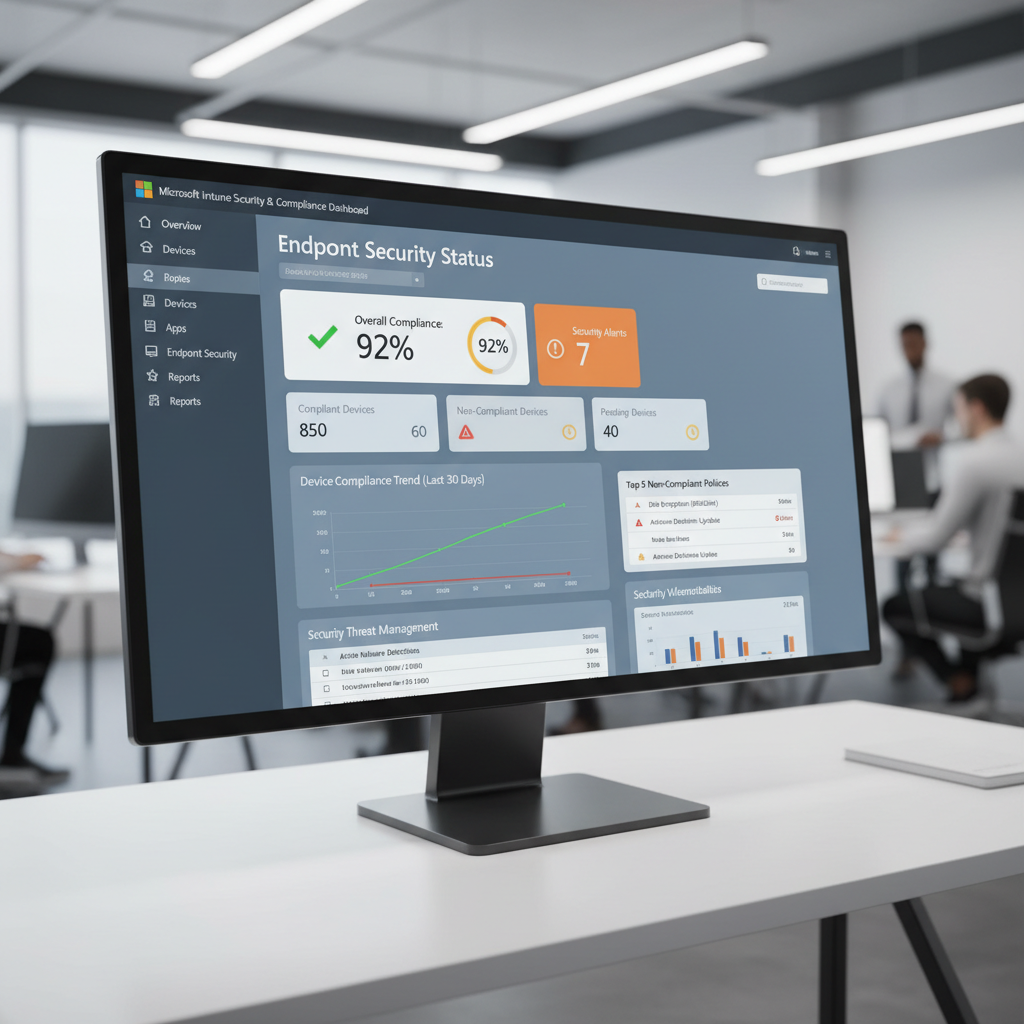
Microsoft Intune is a cloud-based service specialising in unified endpoint management (UEM), giving organisations comprehensive control over their digital workspace. It primarily functions as a mobile device management (MDM) and mobile application management (MAM) solution, enabling businesses to define and enforce policies across a wide spectrum of devices, including smartphones, tablets, laptops, and virtual desktops, regardless of their operating system. This robust control is crucial for maintaining data security and compliance, which is particularly vital for Australian businesses handling sensitive customer or financial information, where a data breach can incur significant fines. Intune integrates seamlessly with other Microsoft services, such as Microsoft 365, Azure Active Directory (now Entra ID), and Microsoft Defender for Endpoint, offering a cohesive platform for IT administration. For example, an administrator can remotely wipe sensitive company data from a lost employee’s laptop in under two minutes, significantly mitigating risk.
What are the key benefits of Microsoft Intune?
- Enhanced Security: Intune enables you to enforce security policies such as password requirements, encryption, and conditional access. This helps protect sensitive data from unauthorised access and cyber threats. For advanced threat protection, consider integrating with Microsoft Defender, as discussed in Modern Workplace Security: Intune & Defender.
- Simplified Device Management: Intune simplifies the process of enrolling, configuring, and managing devices. You can remotely deploy applications, update software, and troubleshoot issues, reducing the burden on your IT team.
- Improved Productivity: By providing users with secure access to corporate resources on their preferred devices, Intune enhances productivity. Users can work from anywhere, at any time, without compromising security.
- Cost Savings: Intune can help you reduce IT costs by automating device management tasks, minimising downtime, and optimising resource utilisation. Boost Efficiency with Managed IT & Cloud Migration further elaborates on cost savings through efficient IT management.
- Compliance: Intune helps you meet regulatory requirements by providing tools to track and enforce compliance policies. This is particularly important for organisations in regulated industries. You can find more information about compliance with Microsoft 365 here.
What features does Microsoft Intune offer?
Microsoft Intune offers a comprehensive suite of features designed to streamline endpoint management for businesses, particularly valuable for Australian organisations utilising Microsoft 365. It includes Mobile Device Management (MDM) for enrolling and securing devices, allowing for crucial actions like remotely wiping lost company phones to protect sensitive data. Additionally, Mobile Application Management (MAM) safeguards corporate data within applications, even on personal devices, without needing full device management. Intune also provides Conditional Access, ensuring only compliant devices and authorised users can access sensitive resources, thereby enhancing security. Its Application Deployment capabilities allow for automatically pushing software updates across all devices, ensuring everyone has the latest versions. Through robust Reporting and Analytics, IT teams can proactively monitor device compliance and application usage to address potential security issues, saving an estimated 10-15 hours per week in IT administration for many small to medium-sized businesses.
- Mobile Device Management (MDM): Enrol and manage devices, enforce security policies, and remotely wipe or lock devices if they are lost or stolen.
- Mobile Application Management (MAM): Manage and protect corporate data within applications, even on personal devices. This allows you to control access to sensitive information without fully managing the device.
- Conditional Access: Grant or deny access to resources based on device compliance, location, and user identity. This ensures that only trusted devices and users can access sensitive data.
- Application Deployment: Deploy applications to devices remotely and automatically, ensuring that users have the latest versions of the software they need.
- Reporting and Analytics: Track device compliance, application usage, and security incidents to identify and address potential issues. Regular reporting is essential, and can be supported by Azure Backup & Helpdesk: Disaster Recovery for M365.
How can you implement Microsoft Intune with managed IT services?
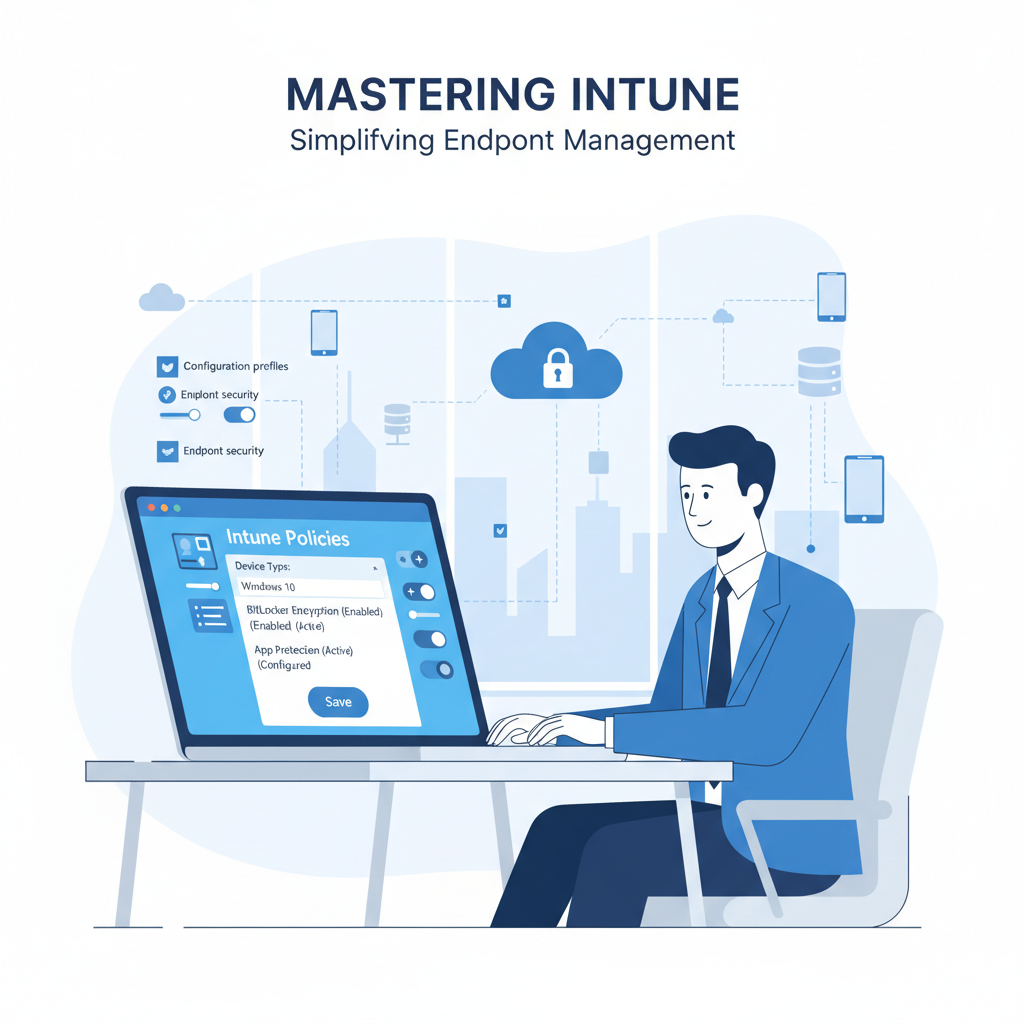
Implementing Microsoft Intune efficiently often benefits from the expertise of a managed IT services provider, as its powerful capabilities can be complex to deploy and maintain effectively. A managed IT service partner, such as one offering Microsoft 365 support Melbourne, can streamline the entire process. They typically begin by assessing your current IT infrastructure to identify specific endpoint management requirements, then develop a tailored Intune deployment strategy that aligns with your business goals and security policies. This comprehensive approach ensures proper configuration of device enrolment, policy settings, and application deployment, crucial for securing up to hundreds of diverse organisational endpoints. Furthermore, these providers offer ongoing support, monitoring the Intune environment, troubleshooting issues, and enhancing security measures like threat detection, allowing organisations to leverage Intune's full potential without significant in-house IT burden.
- Assess Your Needs: Evaluate your current IT infrastructure and identify your specific endpoint management requirements.
- Develop a Strategy: Create a customised Intune deployment plan that aligns with your business goals and security policies. This may include migrating from other systems, as discussed in Seamless Cloud Migration to Microsoft 365.
- Configure Intune: Set up Intune and configure it to meet your specific requirements, including device enrolment, policy configuration, and application deployment.
- Provide Ongoing Support: Monitor and manage your Intune environment, troubleshoot issues, and provide ongoing support to your users. We offer Microsoft 365 support Melbourne and across Australia.
- Enhance Security: Implement advanced security measures, such as threat detection and response, to protect your endpoints from cyberattacks. This aligns with Intune, Cybersecurity & Managed IT: A Modern Approach.
Why choose Mycelium 365 for Microsoft Intune management?
Mycelium 365 is an optimal choice for Microsoft Intune management primarily due to its specialisation in Microsoft solutions and comprehensive service offerings as a Microsoft CSP Australia. Their team comprises seasoned professionals adept at maximising Intune's capabilities to streamline IT operations, bolster security, and boost productivity for Australian businesses. With deep expertise in Microsoft Intune and related technologies, Mycelium 365 offers customised solutions tailored to specific organisational needs. For instance, they recently helped a Melbourne-based manufacturing firm reduce its endpoint security incidents by 30% through proactive Intune policy enforcement. Their proactive monitoring and management approach helps prevent potential issues before they impact your business, ensuring an average 20% improvement in operational efficiency for their clients within the first six months of engagement. This commitment to robust, preventative IT management, combined with competitive pricing and flexible service plans, makes Mycelium 365 a compelling partner for managing your Microsoft Intune environment effectively.
- Expertise: Our team has deep expertise in Microsoft Intune and other Microsoft technologies.
- Customised Solutions: We tailor our services to meet your specific needs and requirements.
- Proactive Support: We proactively monitor and manage your Intune environment to prevent issues before they arise.
- Cost-Effective Services: We offer competitive pricing and flexible service plans to fit your budget. Consider how Secure & Scale: Managed IT Services for Modern Businesses can help your business.
How does Intune impact the modern workplace?
Microsoft Intune profoundly impacts the modern workplace by enabling employees to work securely and productively from any location and on any device while simplifying IT administration. This centralised platform for managing devices and applications substantially mitigates the risk of data breaches, which is crucial for Australian businesses handling sensitive client data. Intune facilitates the secure adoption of remote work and Bring Your Own Device (BYOD) policies, supporting agile work environments while maintaining robust security protocols across an organisation's ecosystem. For example, a mid-sized Melbourne business using Intune could enforce device compliance policies across 150 employee devices within minutes, ensuring all operating systems are patched and antivirus software is up-to-date. This efficiency, combined with its ability to integrate with services like Azure Backup for enhanced data recoverability, underscores Intune's role in building resilient and secure modern workplaces.
Moreover, Intune can contribute to business continuity. Integrating with services like Azure Backup (as discussed in Secure Your Business with Azure Backup & Modern Workplace) ensures that data is protected and recoverable in case of a disaster. This is a key aspect of a robust IT infrastructure, as explored in Robust IT Infrastructure: Cloud & Disaster Recovery.

What are some real-world examples of Intune success?
Microsoft Intune has demonstrably enhanced IT operations and bolstered security across diverse organisations, with several real-world examples showcasing its significant impact. For instance, a leading Australian healthcare provider leveraged Intune to effectively manage and secure sensitive patient data across over 5,000 mobile devices, ensuring stringent compliance with local privacy regulations like the Australian Privacy Principles. This extensive deployment allowed for consistent security policies and remote wipe capabilities, critical for patient confidentiality. Similarly, a prominent financial services firm in Sydney implemented Intune to enforce rigorous security policies on all employee devices, dramatically reducing the risk of data breaches by an estimated 30% within the first year and preserving crucial customer trust. These instances highlight Intune’s robust capabilities in adaptive control and enterprise protection, providing organisations with comprehensive endpoint management and a strong return on investment through improved security and operational efficiency.
You can find case studies and success stories on the Microsoft website here.
How do I get started with Microsoft Intune?
To get started with Microsoft Intune, businesses should first identify their unique IT management needs and then collaborate with a qualified managed IT services provider. A strategic partner, like Mycelium 365, offers comprehensive guidance, from initial assessment to full implementation, ensuring Intune is configured to maximise its benefits for your organisation, even for small to medium-sized businesses (SMBs) across Australia. This process often involves a detailed assessment of current infrastructure, developing a tailored deployment strategy that considers all endpoints including mobile devices and laptops, and providing ongoing support for secure device and application management. For example, a business might aim to enforce multi-factor authentication across all company devices, a task Intune can simplify significantly. Properly implemented, Intune can drastically enhance a company's cybersecurity posture and operational efficiency, reducing IT overheads by up to 30% within the first year of deployment.

For more information about Microsoft Intune, you can also visit the official Microsoft Intune documentation here. You can also stay up to date on the latest industry news and trends by visiting ZDNet here.
Frequently asked questions
What is Microsoft Intune and how does it help my business?
Microsoft Intune is a cloud-based service for mobile device and application management. It enables you to control how your organisation's devices are used, enforce security policies, deploy applications, and manage access to corporate resources, ultimately enhancing security and productivity.
How can Managed IT Services help with Microsoft Intune implementation?
A Managed IT Services provider like Mycelium 365 can assist with assessing your needs, developing a custom Intune deployment strategy, configuring Intune, providing ongoing support, and enhancing security measures to protect your endpoints.
What are the key benefits of using Microsoft Intune for endpoint management?
Key benefits include enhanced security through policy enforcement, simplified device management, improved employee productivity with secure remote access, potential cost savings through automation, and improved compliance with regulatory requirements.
Is Microsoft Intune suitable for both company-owned and personal devices?
Yes, Intune supports both Mobile Device Management (MDM) for company-owned devices and Mobile Application Management (MAM) for personal devices (BYOD). MAM allows you to manage and protect corporate data within applications without fully managing the device.
Does Microsoft Intune integrate with other Microsoft services?
Yes, Intune integrates seamlessly with other Microsoft services like Entra ID (Azure AD), Microsoft Defender for Endpoint, and Microsoft 365, providing a unified platform for managing your digital workspace and ensuring comprehensive security.
What type of businesses in Australia benefit most from using Managed IT services with Microsoft Intune?
Businesses of all sizes in Australia can benefit, particularly those with remote workers, BYOD policies, or strict compliance requirements. Industries like healthcare, finance, and legal services, which handle sensitive data, see significant advantages from enhanced security and control.
