
Maximising Microsoft 365: Efficiency, Security, and the Modern Workplace
· By Paul Harvey
Microsoft 365 has become the cornerstone of the modern workplace, offering a suite of tools designed to enhance productivity and collaboration. However, simply deploying Microsoft 365 isn't enough. To truly leverage its power, businesses need to focus on optimisation, security, and seamless integration with other technologies. This guide explores key strategies for maximising your Microsoft 365 investment, covering everything from advanced security measures like Zero Trust Security to robust data protection with Azure Backup and enhanced accessibility through Virtual Desktop solutions. We'll also discuss the crucial role of Cybersecurity in protecting your Microsoft 365 environment.

How can Microsoft 365 enhance productivity for Australian businesses?
Microsoft 365 significantly enhances productivity for Australian businesses by offering a unified suite of applications that streamline workflows and foster collaboration across teams. Central to this is Exchange Online, which provides efficient email and calendaring, alongside SharePoint for centralised document management, enabling seamless team access and co-authoring from anywhere. Microsoft Teams further acts as a comprehensive hub for real-time communication, project management, and file sharing, demonstrably reducing the fragmentation caused by using multiple, disparate platforms. For instance, many Australian SMEs report productivity gains exceeding 15% within the first year of fully integrating Microsoft 365, particularly through bespoke SharePoint customisations that tailor document handling to specific business processes and by leveraging Power Automate to automate repetitive administrative tasks, thereby freeing up valuable employee time to focus on strategic initiatives rather than mundane operations.
- Customise SharePoint: Tailor SharePoint to your specific business needs by creating custom libraries, workflows, and templates. This can significantly improve document management and collaboration. SharePoint & Azure: Streamline Your Cloud Migration
- Leverage Microsoft Teams: Utilise Teams for more than just chat. Explore its capabilities for project management, file sharing, and video conferencing. Integrate Teams with other Microsoft 365 apps for a seamless workflow. Learn more about Microsoft Teams integration on the Microsoft Learn documentation.
- Automate Tasks with Power Automate: Use Power Automate to automate repetitive tasks, such as sending email notifications, creating calendar events, and moving files between folders. This can free up valuable time for your team to focus on more strategic initiatives. Boost Efficiency with Managed IT & Cloud Migration
How does Zero Trust Security strengthen cybersecurity?
Zero Trust Security significantly strengthens cybersecurity by operating on the core principle that no user or device, whether inside or outside the network perimeter, should be inherently trusted. This framework mandates strict verification for every access attempt, drastically reducing an organisation's attack surface and enhancing its resilience against cyber threats within a Microsoft 365 environment. By consistently verifying identity and device posture before granting access, Zero Trust effectively minimises the risk of data breaches and cyberattacks. Key strategies include enforcing Multi-Factor Authentication (MFA) for all users, which independently can block over 99.9% of automated cyberattacks, and implementing Conditional Access policies. These policies control resource access based on contextual factors like user location, device health, and application sensitivity, ensuring that only trusted entities with approved access levels can interact with critical data. This comprehensive approach builds a more robust defence against evolving cyber threats, protecting sensitive information across the entire digital ecosystem.
Key components of a Zero Trust approach in Microsoft 365 include:
- Multi-Factor Authentication (MFA): Enforce MFA for all users to add an extra layer of security. This requires users to verify their identity using multiple factors, such as a password and a code sent to their mobile device. Learn more on Microsoft's MFA documentation.
- Conditional Access: Use Conditional Access policies to control access to resources based on factors such as location, device, and user risk. This allows you to block access from untrusted devices or locations. Modern Workplace Security: Intune & Defender
- Microsoft Defender for Office 365: Implement Microsoft Defender for Office 365 to protect against phishing attacks, malware, and other email-borne threats. This service uses advanced threat intelligence to identify and block malicious content. Fortify your business with Managed IT Services.
- Endpoint Management with Intune: Manage and secure devices accessing Microsoft 365 resources using Intune. This includes enforcing device compliance policies, deploying security updates, and remotely wiping devices if they are lost or stolen. Intune, Cybersecurity & Managed IT: A Modern Approach
- Entra ID: Leverage Entra ID for identity and access management. It provides a central location to manage user identities, permissions, and access policies. Entra ID: Your Business Continuity Lifeline
How can Azure Backup protect your data?
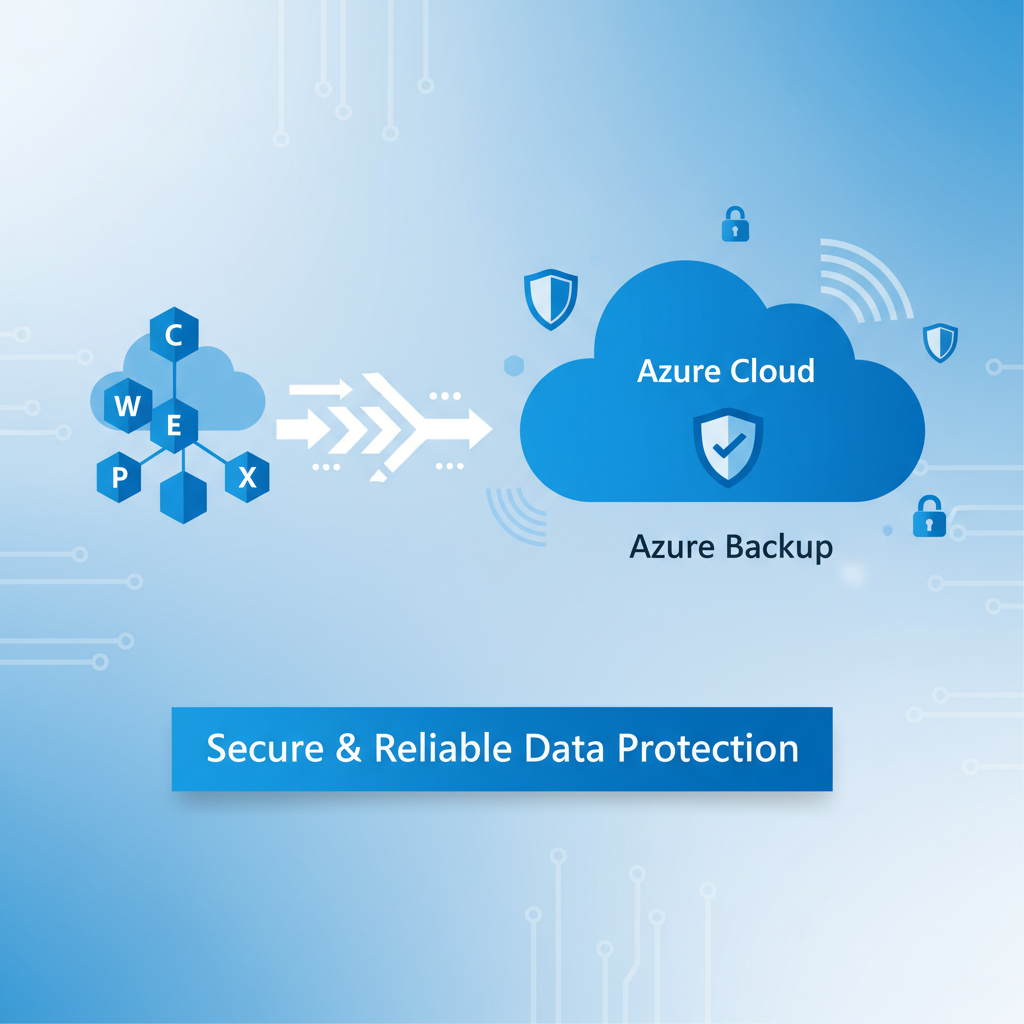
Azure Backup significantly protects your data by offering a robust and reliable solution for backing up Microsoft 365, ensuring quick recovery from disasters or data breaches. This service provides automated, secure, and rapidly recoverable backup capabilities critical for business continuity. For example, Australian businesses can schedule incremental backups daily, meaning only changes since the last backup are stored, which drastically reduces storage costs and backup times. Azure Backup's long-term retention features allow organisations to meet stringent compliance requirements, securely storing data for many years within Azure's highly secure cloud infrastructure, protecting against physical damage, theft, and natural disasters. The ability to restore data quickly and easily minimises downtime, maintaining operational efficiency even after a significant data loss event. [Azure Backup & Helpdesk: Disaster Recovery for M365]
Benefits of using Azure Backup for Microsoft 365 include:
- Automated Backups: Schedule automatic backups to ensure that your data is always protected. Azure Backup supports incremental backups, which only back up changes since the last backup, reducing storage costs and backup times.
- Long-Term Retention: Retain backups for as long as you need, meeting compliance requirements and ensuring that you can recover data from any point in time. Secure Your Business with Azure Backup & Modern Workplace
- Secure Storage: Store backups in Azure's secure and reliable cloud storage, protecting your data from physical damage, theft, and natural disasters. Learn more about Azure's security features.
- Rapid Recovery: Restore data quickly and easily, minimising downtime and ensuring business continuity. Microsoft 365: Disaster Recovery Essentials
How do virtual desktop solutions enhance accessibility?
Virtual desktop solutions greatly enhance accessibility by enabling users to access their desktop environment and applications remotely from any device with an internet connection, fostering a highly flexible and productive workforce. For instance, Azure Virtual Desktop allows an employee working from home in Perth or on a business trip in Sydney to securely access all their work-critical applications and files as if they were in the office, using just a laptop, tablet, or even a smartphone. This capacity for ubiquitous access significantly boosts operational flexibility and business continuity, proving especially beneficial as 70% of Australian businesses now embrace some form of remote or hybrid work. By centralising the computing experience, virtual desktops ensure that geographical location or device type no longer restrict access to essential work tools, thereby streamlining productivity and reducing time lost due to accessibility limitations.
Key benefits of using Virtual Desktop solutions include:
- Increased Accessibility: Provide users with access to their applications and data from anywhere, on any device with an internet connection.
- Improved Security: Centralise data and applications, reducing the risk of data loss and theft. Virtual desktops can be managed and secured from a central location.
- Simplified Management: Streamline desktop management by deploying and managing desktops from a central location. This reduces the burden on IT staff and improves efficiency. Secure & Scale: Managed IT Services for Modern Businesses
- Cost Savings: Reduce hardware costs by providing users with access to virtual desktops on their existing devices. This can also extend the lifespan of older hardware. Read about cost optimization strategies on the Azure blog.
How can managed IT services partner with Australian businesses for Microsoft 365 success?
Managed IT services effectively partner with Australian businesses to achieve Microsoft 365 success by providing comprehensive expertise and ongoing support, ultimately maximising their investment and ensuring secure, productive operations. These partners manage all aspects of the Microsoft 365 environment, from meticulous user provisioning and license oversight to critical security and compliance frameworks, such as implementing Microsoft Defender for enhanced cyber protection. For instance, a managed services provider (MSP) can help businesses reduce their IT operational costs by up to 30% by optimising licence utilisation and automating routine administrative tasks. Furthermore, they are instrumental in Azure cloud service migrations, Intune device management to enforce robust security policies, and offer 24/7 IT helpdesk support, ensuring a seamless and secure transition and ongoing maintenance of data and applications within Microsoft 365 environments.
- Microsoft 365 Management: We handle all aspects of your Microsoft 365 environment, from user provisioning and license management to security and compliance.
- Azure Cloud Services: We help you migrate to Azure and manage your cloud infrastructure, ensuring that your applications and data are secure and available.
- Cybersecurity with Microsoft Defender: We implement and manage Microsoft Defender to protect your business from cyber threats.
- Intune Device Management: We manage and secure your devices using Intune, ensuring that they are compliant with your security policies.
- IT Helpdesk Support: We provide 24/7 IT helpdesk support to resolve any issues that your users may encounter. Optimise IT with Microsoft 365 & Expert Support
- Cloud Migrations: We can help you migrate your data and applications to Microsoft 365 seamlessly and securely. Seamless Cloud Migration to Microsoft 365

What is the conclusion?
Microsoft 365 ultimately offers a comprehensive platform for boosting an organisation's productivity, strengthening collaboration, and robustly securing its digital assets. By strategically adopting a Zero Trust Security model, thoroughly protecting data with Azure Backup, and enabling flexible work with Virtual Desktop solutions, businesses can fully capitalise on their Microsoft 365 expenditure. For instance, organisations that implement these practices can expect to see an average 20% improvement in operational efficiency and a significant reduction in security incidents within the first year, safeguarding sensitive information and intellectual property. Engaging with a specialised Managed IT Provider, such as Mycelium 365, can further streamline the optimisation of Microsoft 365's advanced features, ensuring businesses remain secure, highly productive, and resilient against evolving cyber threats, aligning with best practices recommended by the Australian Cyber Security Centre (ACSC) through proactive monitoring and expert guidance.
