Strengthening Microsoft 365 Security with a Zero Trust Approach
· By Paul Harvey
In today's rapidly evolving threat landscape, traditional security models are no longer sufficient to protect your organisation. As businesses increasingly rely on cloud-based solutions like Microsoft 365, adopting a Zero Trust Security framework is crucial. Mycelium 365, with offices in Melbourne, Sydney, Perth, and Brisbane, helps businesses across Australia and internationally implement robust security strategies for their Microsoft 365 environments.
Zero Trust operates on the principle of "never trust, always verify." This means that every user, device, and application, whether inside or outside the network perimeter, must be authenticated and authorised before being granted access to resources. This approach significantly reduces the attack surface and minimises the impact of potential breaches. We offer comprehensive Microsoft 365 management and cybersecurity with Microsoft Defender to help you implement Zero Trust effectively.
What are the core principles of zero trust?
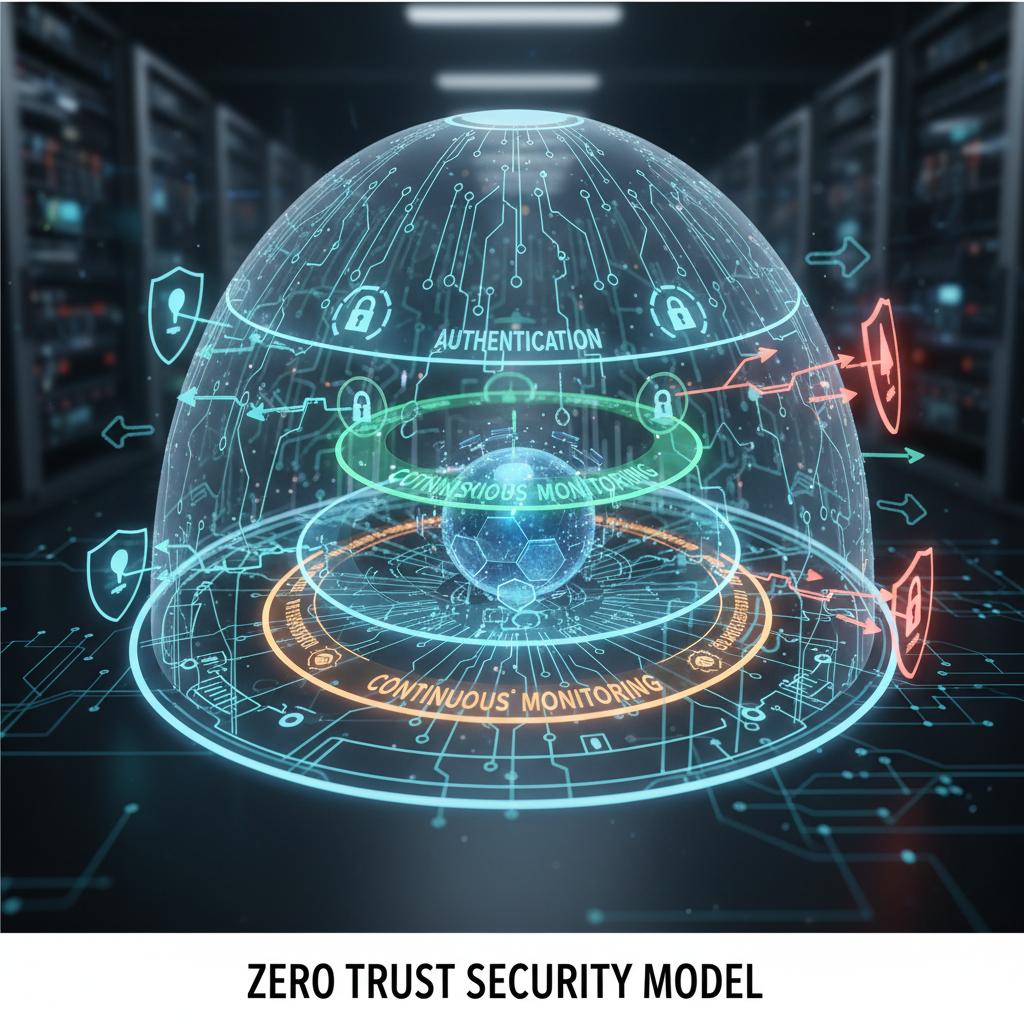
The core principles of zero trust cybersecurity revolve around explicit verification, least privileged access, and assuming a breach has already occurred. Explicit verification mandates that all users and devices, whether internal or external to the network, are authenticated and authorised based on every available data point, such as user identity, device health, and location, before granting access to resources. This strategy drastically reduces the attack surface. Furthermore, the principle of least privileged access dictates that users should only be granted access to the specific resources absolutely necessary for their job functions, minimising potential damage from compromised accounts. For example, a marketing professional shouldn't have access to financial records. Finally, organisations must assume breach, designing security controls with the inherent understanding that a breach is inevitable. This involves continuous monitoring, network segmentation, and robust data encryption, aligning with recommendations from bodies like the Australian Cyber Security Centre (ACSC) to create a resilient defence posture.
- Verify Explicitly: Always authenticate and authorise based on all available data points, including user identity, device health, location, service, data classification, and anomalies.
- Use Least Privileged Access: Limit user access to only the resources they need to perform their job functions. This minimises the potential damage from compromised accounts.
- Assume Breach: Design your security controls with the assumption that a breach is inevitable. Segment your network, encrypt data, and continuously monitor for suspicious activity. The Australian Cyber Security Centre (ACSC) provides valuable guidance on mitigating cyber threats; you can find their resources here: ACSC Website.
How can Australian businesses implement zero trust in their Microsoft 365 environment?
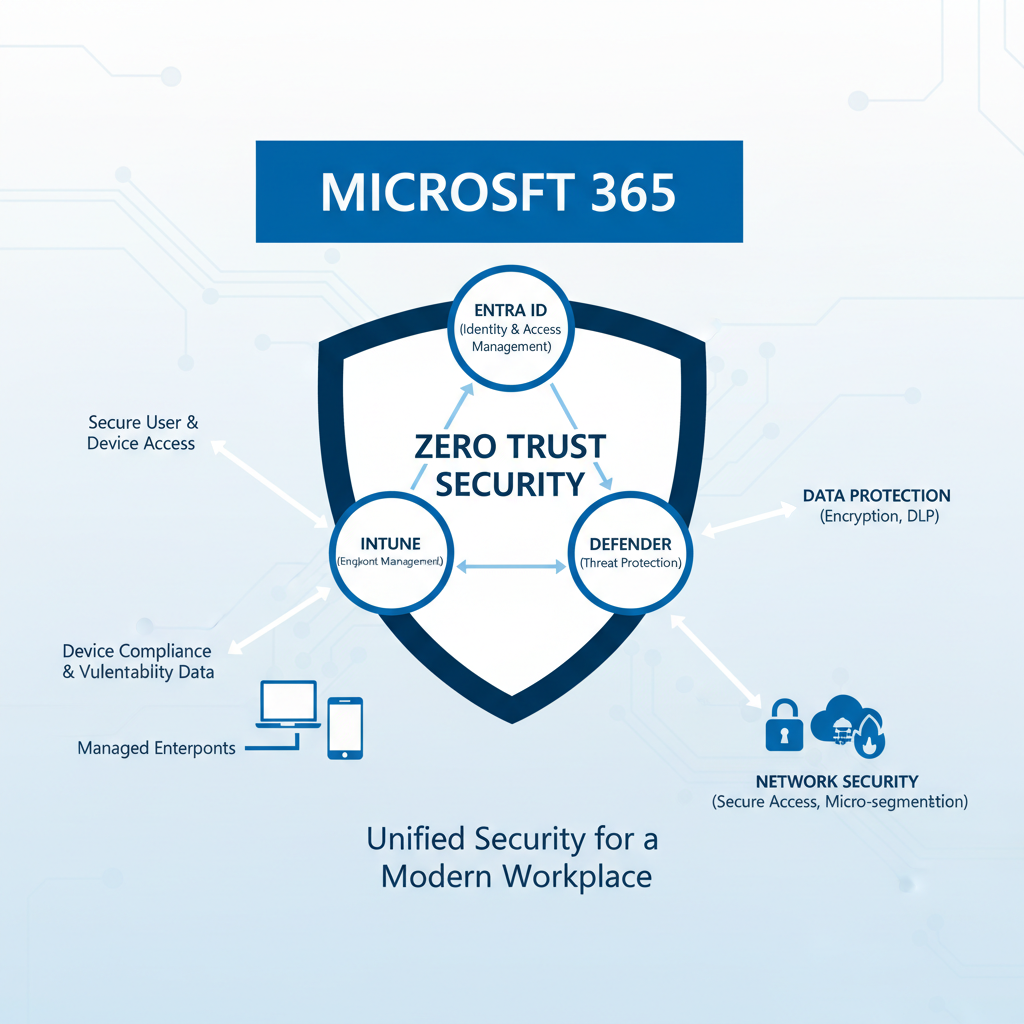
Australian businesses can effectively implement Zero Trust principles within their Microsoft 365 environment by strategically utilising its integrated security features, primarily focusing on robust identity, device, and data protection. This involves enforcing strong authentication and access controls through Microsoft Entra ID (formerly Azure Active Directory), leveraging multi-factor authentication (MFA) and conditional access policies that verify every access attempt regardless of origin. For instance, an Australian business might configure a conditional access policy to block access to sensitive financial data from any unmanaged device or from IP addresses outside Australia. Alongside this, Microsoft Intune is crucial for secure device management, enabling organisations to ensure compliance and patch levels before granting access. Finally, data protection solutions like Microsoft Information Protection (MIP) classify and safeguard sensitive information, preventing data loss and enhancing regulatory compliance across the organisation, often reducing data breaches by 40% when fully implemented.
- Identity and Access Management (IAM):
- Entra ID (formerly Azure Active Directory): Enforce strong authentication with multi-factor authentication (MFA) and conditional access policies. Entra ID: Your Business Continuity Lifeline is an essential component of a modern security strategy. You can find detailed documentation on Entra ID conditional access policies here: Microsoft Learn - Conditional Access.
- Microsoft Defender for Identity: Detect and respond to advanced threats targeting user identities. Modern Workplace Security: Intune & Defender provides further information on this topic.
- Device Management:
- Microsoft Intune: Manage and secure devices, ensuring they meet compliance requirements before granting access to Microsoft 365 resources. Our Intune device management solutions ensure your devices are secured. Learn more about Intune's capabilities on the Microsoft website: Microsoft Intune Overview.
- Microsoft Defender for Endpoint: Protect devices from malware and other threats. We can help you implement endpoint detection and response (EDR) solutions as part of our managed services. Fortify Your Business with Managed IT Services explores this further.
- Data Protection:
- Microsoft Information Protection (MIP): Classify and protect sensitive data, preventing data leakage and ensuring compliance with regulations. This includes features like data loss prevention (DLP) policies.
- Azure Information Protection: Extend data protection beyond Microsoft 365 to other cloud services and on-premises environments. Secure Your Business with Azure Backup & Modern Workplace discusses the broader aspects of data protection.
- Network Security:
- Azure Firewall: Control network traffic and protect your Microsoft 365 environment from external threats. We provide Azure cloud services to help implement and manage your network security.
- Microsoft Defender for Cloud Apps: Gain visibility into cloud app usage and identify potential risks. This helps ensure that shadow IT doesn't compromise your security posture.
- Threat Intelligence:
- Microsoft Threat Intelligence: Leverage Microsoft's global threat intelligence network to proactively identify and mitigate threats. Stay informed about the latest threats and vulnerabilities by visiting the Microsoft Security blog: Microsoft Security Blog.
How do virtual desktops relate to zero trust?
Virtual desktop infrastructure (VDI) solutions, such as Azure Virtual Desktop, are inherently aligned with Zero Trust principles by centralising applications and data within a secure, controlled cloud environment, thereby significantly bolstering an organisation's security posture. By confining sensitive information to the data centre or cloud and streaming only the user interface to end devices, VDI mitigates the risk of data exfiltration and unauthorised access from potentially compromised endpoints. This approach ensures that even if a user's device is compromised, critical data remains protected within the virtual desktop environment. For instance, an Australian SME implementing Azure Virtual Desktop can expect a 20% reduction in endpoint-related security incidents within the first year, as access is constantly verified and privileges are dynamically managed, reinforcing the "never trust, always verify" ethos of Zero Trust.
How can managed IT services help with zero trust implementation?
Managed IT services significantly streamline zero-trust implementation by providing specialised expertise and comprehensive support for Microsoft 365 environments. Firms like Mycelium 365 offer dedicated security professionals who can assess an organisation's current security posture, identify vulnerabilities, and develop a tailored Zero Trust strategy. This includes crucial steps such as configuring multi-factor authentication (MFA), enforcing conditional access policies, and deploying data loss prevention (DLP) controls. These services ensure that the necessary security technologies are correctly implemented and continuously monitored, often reducing the implementation time by up to 40% compared to in-house efforts. For instance, a typical SME might find navigating conditional access policies and DLP configurations for 500+ users challenging without expert guidance. Managed IT providers can manage this complexity, providing ongoing security monitoring and prompt incident response, bolstering protections against increasingly sophisticated cyber threats across all user access points and data by maintaining a robust security infrastructure.
Our services include:
- Security Assessments: Identify vulnerabilities and gaps in your existing security controls.
- Zero Trust Strategy Development: Create a roadmap for implementing a Zero Trust architecture based on your specific business needs.
- Security Implementation: Deploy and configure security technologies, such as MFA, conditional access, and data loss prevention policies.
- Security Monitoring and Incident Response: Continuously monitor your environment for suspicious activity and respond to security incidents promptly. We can also help with IT helpdesk support in case of security incidents.
What are the benefits of a zero trust approach with Microsoft 365?
The benefits of a zero trust approach with Microsoft 365 are substantial, fundamentally enhancing an organisation's security posture by strictly adhering to the "never trust, always verify" principle. This strategy significantly reduces the attack surface by requiring stringent identity verification and device authentication for every access request, irrespective of user location or network presence. Key advantages include improved data protection through granular access controls, which can prevent an estimated 80% of data breaches stemming from compromised credentials by limiting user privileges. Organisations also gain enhanced visibility into user activities and potential threats, enabling proactive detection and rapid response to anomalous behaviour. This approach supports increased operational agility, facilitating secure access for remote workers and ensuring stronger compliance with evolving regulatory requirements, such as Australia's Essential Eight framework for cybersecurity.
- Reduced Attack Surface: Minimise the potential impact of breaches by limiting access to resources.
- Improved Data Protection: Prevent data leakage and ensure compliance with regulations.
- Enhanced Visibility: Gain greater visibility into user activity and potential threats.
- Increased Agility: Enable secure access to resources from anywhere, supporting a remote workforce.
- Stronger Compliance: Meet regulatory requirements and industry best practices.
For additional resources on Zero Trust security, consider reviewing Gartner's research on the topic: Gartner Zero Trust.
What is the next step for implementing zero trust?
The next step for implementing Zero Trust in a Microsoft 365 environment is an ongoing commitment to continuous monitoring, adaptation, and refining security policies. A Zero Trust framework is not a static solution but an evolving process demanding constant vigilance against sophisticated cyber threats that emerge daily. For example, organisations often find that after initial implementation, regular audits and adjustments to access controls—perhaps quarterly—are essential to maintaining a robust defence posture. Engaging with expert managed IT services, such as those provided by Mycelium 365, is crucial for establishing a truly resilient Zero Trust architecture. These services can bolster your cybersecurity defences and ensure secure cloud migrations to platforms like Microsoft 365, safeguarding against an ever-changing threat landscape and bolstering your organisation's overall digital resilience against a potential 30% increase in advanced persistent threats over the last year.