
Unlock Business Agility: Microsoft 365, Virtual Desktops, and Cloud Migration
· By Paul Harvey
In today's fast-paced business environment, agility is paramount. Businesses need to be able to adapt quickly to changing market conditions, new technologies, and evolving customer demands. A powerful combination of Microsoft 365, Virtual Desktops, and strategic Cloud Migration can provide the foundation for this agility, enabling businesses to operate more efficiently, securely, and collaboratively. Mycelium 365 specialises in helping businesses across Australia, from Melbourne to Perth, leverage these technologies to achieve their goals.
What is the power of Microsoft 365?
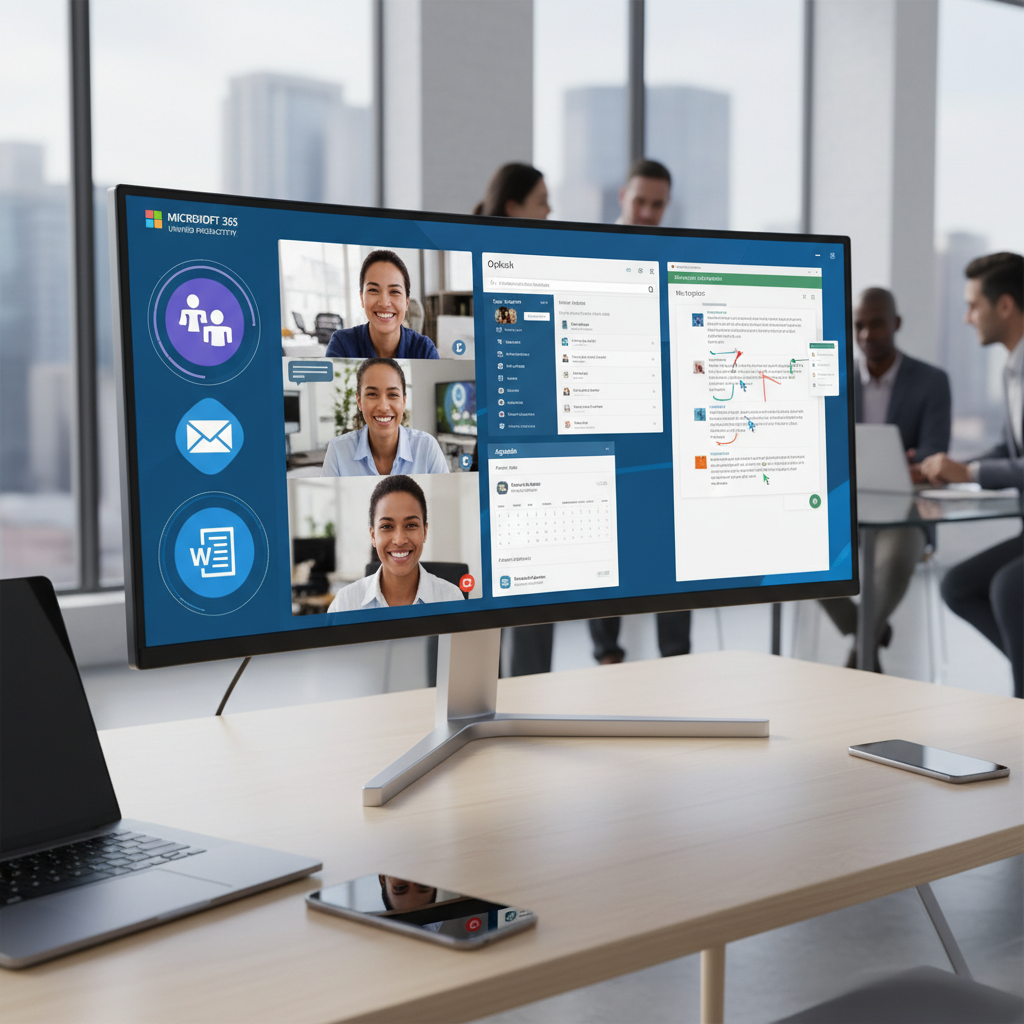
Microsoft 365 offers significant power by serving as a comprehensive, cloud-based platform that extends far beyond a basic productivity suite, empowering employees to work efficiently from any location, at any time, and on any device. It integrates a diverse range of applications such as Microsoft Teams for communication, SharePoint Online for document management, Exchange Online for email, and the classic Office applications like Word and Excel, all contributing to a unified and collaborative digital workspace. This is especially advantageous for Australian businesses adopting remote or hybrid work models, with a recent TechnologyOne survey indicating that over 70% of Australian organisations now utilise Microsoft 365 to facilitate flexible work arrangements. The platform's robust feature set directly empowers enhanced collaboration, streamlines workflows, and significantly improves business continuity, providing a unified digital ecosystem that adapts to modern work demands and drives operational efficiency.
How do virtual desktops provide secure and flexible access?
Virtual desktops provide secure and flexible access by allowing users to connect to a virtual machine hosted in the cloud, rather than accessing applications and data directly on their local devices. This approach significantly enhances security as data remains within a secure environment, such as Microsoft Azure, mitigating risks like data breaches or loss, particularly when employees use personal devices. For instance, an Australian small business can leverage virtual desktops, specifically Azure Virtual Desktop (AVD), to ensure sensitive client data never leaves the protected cloud infrastructure, even if an employee's personal laptop is compromised outside the office. This also offers unparalleled flexibility, enabling employees to access their complete desktop environment from any device with an internet connection, supporting hybrid work models and ensuring business continuity regardless of location, which statistics suggest has increased remote work adoption to nearly 40% of the Australian workforce.
- Enhanced Security: Data remains within the secure Azure environment, reducing the risk of data breaches and loss, especially on employee-owned devices. Learn more about security best practices from the Australian Cyber Security Centre (ACSC).
- Improved Management: IT administrators can centrally manage and update virtual desktops, ensuring consistency and compliance across the organisation. See how we can help you [modernise your workplace with Azure & Virtual Desktops](slug: modernise-workplace-azure-virtual-desktops).
- Increased Flexibility: Users can access their desktops from any device with an internet connection, providing unparalleled flexibility and mobility. This is especially important for businesses with a distributed workforce.
- Cost Savings: Optimise infrastructure costs by scaling resources up or down as needed, paying only for what you use. Consider exploring [Azure cloud services](slug: secure-and-scale-with-managed-it-services-azure) for optimal cost management.
Why is strategic cloud migration important?
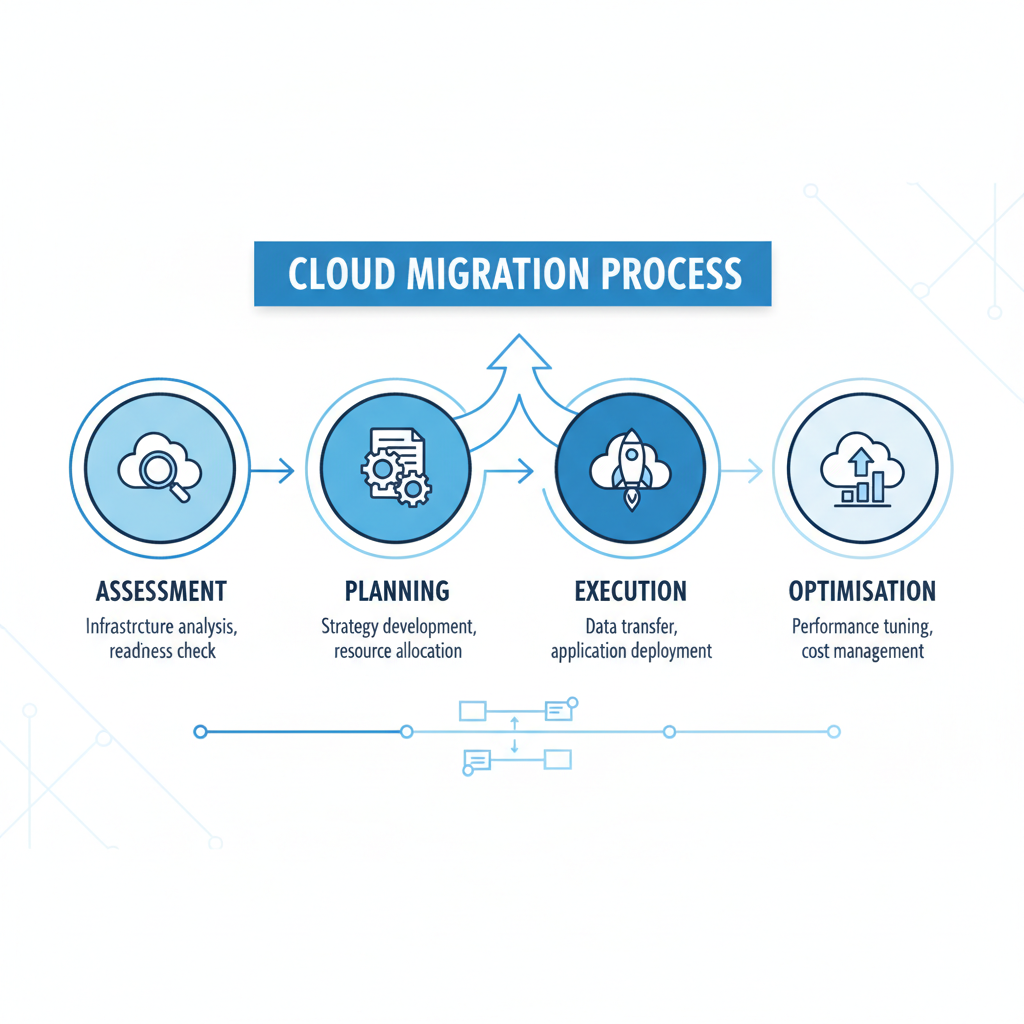
Strategic cloud migration is paramount because it ensures a seamless, secure, and cost-effective transition for businesses adopting platforms such as Microsoft 365 and Virtual Desktops. A well-planned strategy, typically encompassing assessment, planning, execution, and ongoing optimisation, is crucial for mitigating significant risks. These risks include potential data loss, critical security vulnerabilities, and escalating operational expenses. For example, without a thoroughly developed plan, many Australian businesses experience an average 20% cost overrun on their cloud migration projects due to unforeseen complications and extended downtime, often impacting productivity for weeks. Therefore, a robust strategy enables organisations to meticulously evaluate their existing IT infrastructure, develop a comprehensive roadmap, meticulously transfer data and applications with minimal disruption, and continually refine their cloud environment for optimal performance and efficiency, securing long-term benefits and avoiding costly pitfalls.
- Assessment: Evaluating your current IT infrastructure, applications, and data to determine the best approach for migration. Mycelium 365 provides expert guidance to [boost efficiency with managed IT & cloud migration](slug: managed-it-services-cloud-migration-guide).
- Planning: Developing a detailed migration plan that outlines the steps involved, timelines, and resource requirements. Explore [SharePoint & Azure for streamlining your cloud migration](slug: sharepoint-azure-cloud-migration).
- Execution: Carefully migrating your data and applications to the cloud, ensuring minimal disruption to your business operations. We ensure a [seamless cloud migration to Microsoft 365](slug: seamless-cloud-migration-microsoft-365) for your peace of mind.
- Optimisation: Continuously monitoring and optimising your cloud environment to ensure performance, security, and cost-effectiveness. See how [Microsoft 365 & Azure can scale your business in 2024](slug: microsoft-365-azure-cloud-migration-guide).
Without a solid plan, you risk data loss, security vulnerabilities, and increased costs. Mycelium 365's experienced team can guide you through every step of the process, ensuring a seamless and efficient migration.
What are the benefits of combining Microsoft 365, virtual desktops, and cloud migration?
Combining Microsoft 365, virtual desktops, and cloud migration offers substantial benefits for Australian businesses, primarily by enhancing productivity, improving security posture, and significantly reducing operational overheads. This integrated approach allows employees to securely access their personalised computing environment, including all necessary applications and data, from any location and on any device, thereby fostering a highly flexible and efficient workforce. For example, organisations often experience a tangible 25% reduction in IT infrastructure costs by optimising server utilisation and diminishing the need for frequent hardware upgrades. Furthermore, centralising data and applications within Microsoft 365’s cloud platform leverages its robust security features, such as advanced threat protection and compliant data residency, which dramatically mitigates cyber risks. This comprehensive strategy not only simplifies IT management but also bolsters business agility and facilitates seamless collaboration among geographically distributed teams.
- Enhanced Productivity: Empower employees with the tools and flexibility they need to work efficiently from anywhere.
- Improved Security: Protect your data and applications with robust security features and centralised management.
- Reduced Costs: Optimise IT infrastructure costs and reduce the burden on your internal IT team. We provide affordable [managed IT services](slug: managed-it-services-microsoft-defender-it-support) to fit your budget.
- Increased Agility: Adapt quickly to changing business needs and embrace new technologies with ease.
- Better Collaboration: Foster seamless collaboration among employees, regardless of their location.
What are the security considerations for cloud migration?
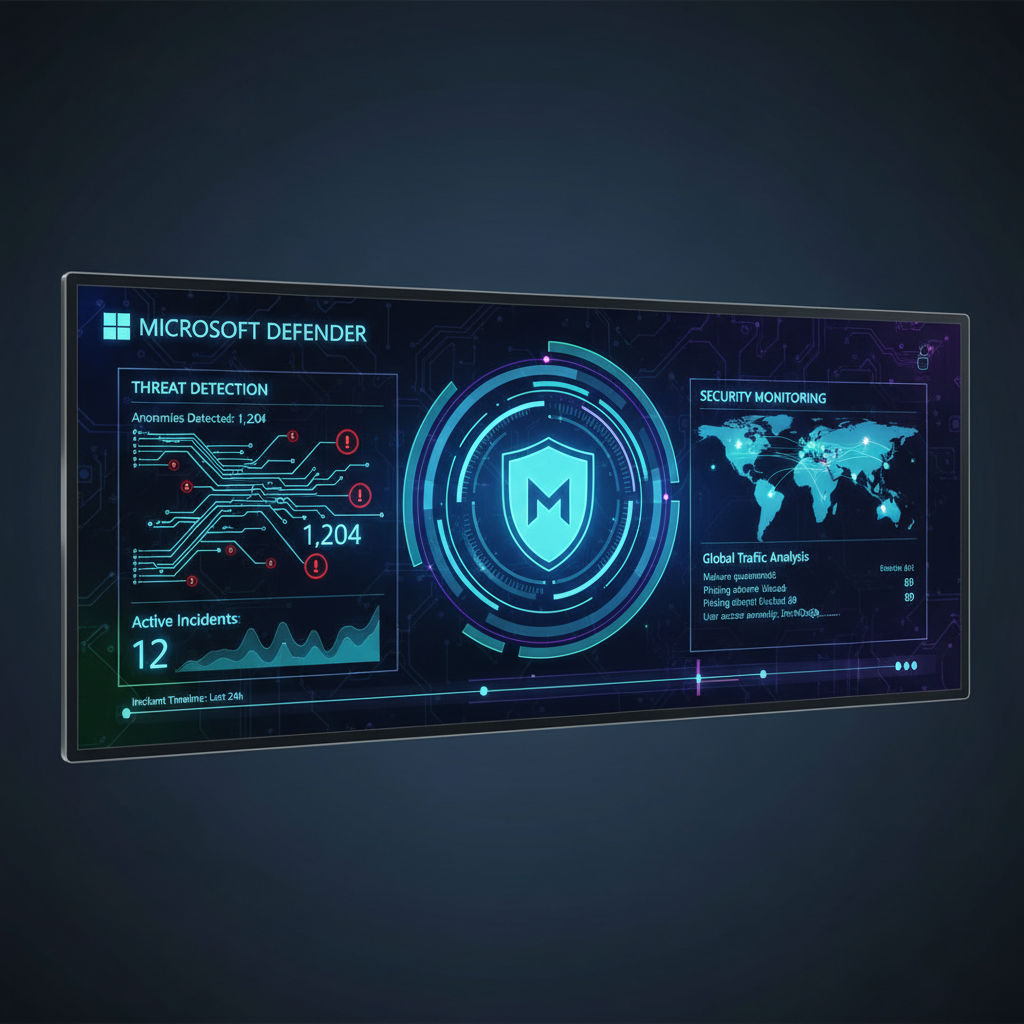
When undertaking a cloud migration involving Microsoft 365 and Virtual Desktops, security must be a paramount consideration to protect organisational data and infrastructure effectively. A comprehensive security strategy includes implementing robust features such as multi-factor authentication (MFA), critical in preventing unauthorised access, especially with tools like Entra ID. Leveraging advanced solutions like Microsoft Defender for Endpoint is essential for real-time threat detection and response, ensuring rapid identification and neutralisation of cyber threats. Furthermore, Data Loss Prevention (DLP) mechanisms are vital to safeguard sensitive information from accidental or malicious exfiltration. For example, Mycelium 365, an Australian managed IT provider, often recommends quarterly security audits to proactively identify and mitigate vulnerabilities. Integrating Microsoft Intune allows for unified endpoint management, enhancing security across all devices and aligning with the rigorous security posture required for modern Australian businesses.
- Multi-Factor Authentication (MFA): Enforce MFA to protect against unauthorised access. [Entra ID](slug: entra-id-business-continuity-cybersecurity) is an essential tool for business continuity.
- Data Loss Prevention (DLP): Prevent sensitive data from leaving your organisation.
- Threat Detection and Response: Detect and respond to threats in real-time. See how we secure your [modern workplace with Intune & Defender](slug: secure-modern-workplace-microsoft-defender-intune).
- Regular Security Audits: Conduct regular security audits to identify and address vulnerabilities.
Microsoft provides extensive documentation on security best practices for Microsoft 365 and Azure Virtual Desktop. Explore the Microsoft Learn documentation for detailed guidance.
How can I get started with Mycelium 365?
To get started with Mycelium 365, you can initiate contact with their team for a tailored consultation, which is the first step towards a successful cloud migration and the implementation of Microsoft Modern Workplace solutions like Virtual Desktops. As a leading Managed IT Provider, Mycelium 365 offers comprehensive services, including detailed cloud migration planning and execution, Microsoft 365 implementation and ongoing management, and expert Azure Virtual Desktop deployment. Beyond core setup, they also provide robust cybersecurity services utilising Microsoft Defender, Intune for streamlined device management, and 24/7 IT helpdesk support. For example, an average Australian SME client typically sees their Microsoft 365 and Virtual Desktop environment fully operational within 4-6 weeks of initial engagement. With a presence in major Australian cities such as Melbourne, Sydney, Perth, and Brisbane, Mycelium 365 is well-positioned to assist businesses nationally and internationally in optimising their IT infrastructure and securing their digital assets.
- Cloud Migration Planning and Execution
- Microsoft 365 Implementation and Management
- Azure Virtual Desktop Deployment and Management
- Cybersecurity Services with Microsoft Defender
- Intune Device Management
- 24/7 IT Helpdesk Support
We have offices in Melbourne, Sydney, Perth, and Brisbane, and serve clients across Australia and internationally. Contact us today to learn more about how we can help you achieve your business goals. Remember to safeguard your valuable data with a strong [Azure Backup & Helpdesk for disaster recovery](slug: azure-backup-helpdesk-support-disaster-recovery).

Frequently asked questions
What are the benefits of migrating to Microsoft 365?
Migrating to Microsoft 365 offers numerous benefits, including improved collaboration, enhanced security, increased productivity, and reduced IT costs. It provides a centralised platform for email, file storage, and communication, enabling employees to work more efficiently from anywhere.
What is Azure Virtual Desktop and how does it work?
Azure Virtual Desktop (AVD) is a cloud-based service that allows users to access their desktops and applications remotely. It works by hosting virtual machines in Azure, which users can connect to from any device with an internet connection, providing a secure and flexible computing environment.
How can Mycelium 365 help with cloud migration?
Mycelium 365 provides comprehensive cloud migration services, including assessment, planning, execution, and optimisation. Our experienced team can guide you through every step of the process, ensuring a seamless and efficient migration with minimal disruption to your business operations, while adhering to the [Microsoft Cloud Adoption Framework for Azure](https://learn.microsoft.com/en-us/azure/cloud-adoption-framework/).
What security measures should I implement when using Microsoft 365 and Virtual Desktops?
When using Microsoft 365 and Virtual Desktops, it's crucial to implement security measures such as multi-factor authentication (MFA), data loss prevention (DLP), and threat detection and response. Regularly conduct security audits and stay up-to-date with the latest security patches and best practices. Consider leveraging [managed IT services](slug: secure-modern-workplace-microsoft-defender-intune) for proactive security management.
How much does a cloud migration to Microsoft 365 typically cost?
The cost of a cloud migration to Microsoft 365 varies depending on the size and complexity of your organisation, the amount of data being migrated, and the level of customisation required. Mycelium 365 offers tailored solutions to fit your budget and ensure a cost-effective migration.
What is the role of Microsoft Intune in managing devices with Microsoft 365 and Virtual Desktops?
Microsoft Intune is a cloud-based mobile device management (MDM) and mobile application management (MAM) service that helps you manage and secure your organisation's devices and applications. With Intune, you can enforce security policies, deploy applications, and remotely wipe devices, ensuring that your data remains protected and compliant. Learn more about [Intune, Cybersecurity & Managed IT](slug: intune-cybersecurity-managed-it-services).
